
When comparing cPanel and Plesk for your VPS, consider platform support—cPanel works best on Linux, while Plesk also supports Windows and more OS options. Plesk offers a modern, user-friendly interface that simplifies management, whereas cPanel has a traditional design familiar to many hosting professionals. Both provide strong security, backup, and deployment features, but your choice depends on your OS needs and ease of use. Keep exploring to discover which control panel suits your environment best.
Key Takeaways
- Plesk offers a modern, user-friendly interface with better navigation, while cPanel maintains a traditional layout familiar to experienced users.
- Plesk supports both Linux and Windows platforms, whereas cPanel primarily supports Linux distributions.
- Pricing structures differ: cPanel charges per account with additional fees, while Plesk offers predictable server-based plans.
- Plesk provides integrated tools like WordPress Toolkit and container support, giving it an edge in application management.
- Migration between cPanel and Plesk can be complex, requiring careful planning and compatibility checks to minimize downtime.
Operating System Compatibility and Platform Support
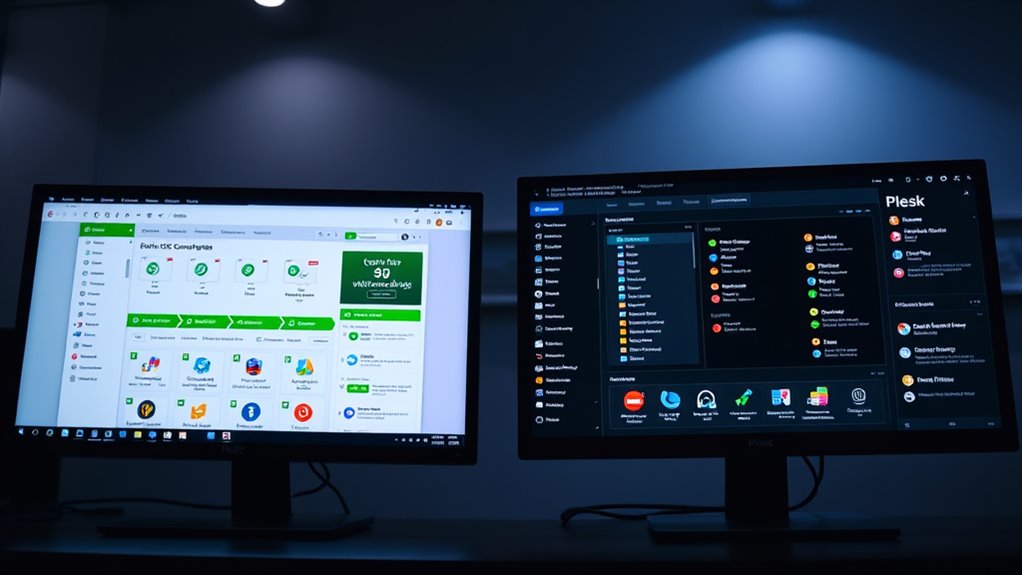
When choosing between cPanel and Plesk, understanding their operating system compatibility is essential, as it directly affects your hosting options. cPanel primarily supports Linux distributions like CentOS, CloudLinux, AlmaLinux, Rocky Linux, RHEL, and Ubuntu, focusing on stable, enterprise-grade systems. Plesk supports a broader range of Linux distributions, including CentOS, Ubuntu, Debian, AlmaLinux, Rocky Linux, and RHEL, covering around 14 different distros. This makes Plesk more flexible for diverse server environments. While both panels support common web technologies like Apache and LiteSpeed, Plesk also supports Windows Server, giving it a significant advantage for mixed OS hosting. cPanel, however, doesn’t natively support Windows, requiring complex workarounds if needed. This OS compatibility impacts your choice based on your hosting environment and future scalability needs, especially considering operating system support and platform versatility.
User Interface Design and User Experience
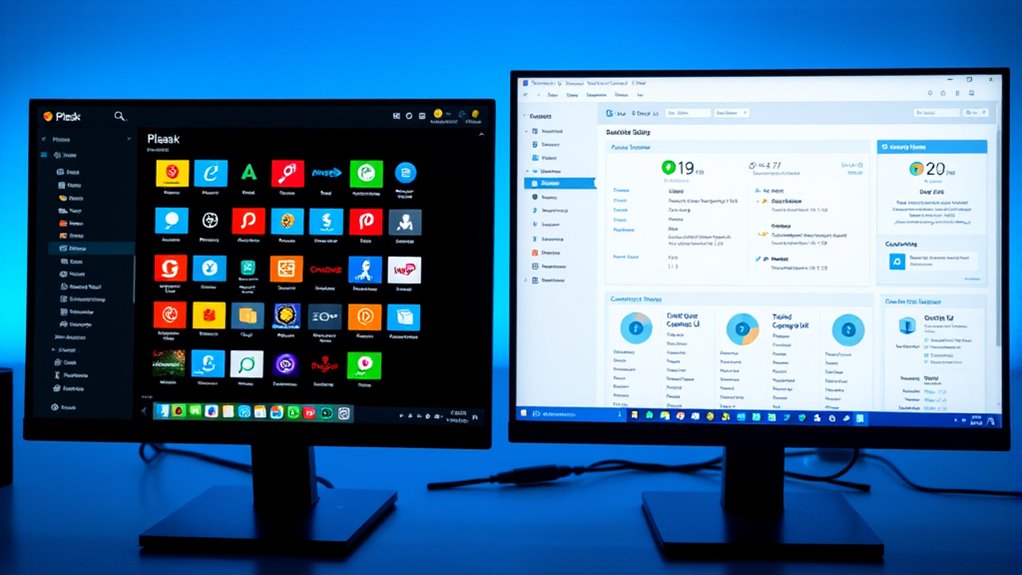
Your experience with cPanel and Plesk starts with how their interfaces look and feel. Plesk offers a sleek, modern design that makes navigation straightforward, while cPanel’s traditional layout can seem cluttered but familiar to experienced users. Both panels aim to make management tasks easier, but their approaches to layout and usability differ considerably. Additionally, the user interface design plays a crucial role in how efficiently users can perform their tasks and overall satisfaction with each control panel. Considering support hours is also important, as timely assistance can significantly impact user experience, especially during critical management tasks. The cost of control panels can also influence the choice, as pricing structures vary and may affect long-term budgeting for VPS management. Furthermore, familiarity with the regional legal resources and support networks can be beneficial when troubleshooting specific issues related to hosting environments.
Visual Layout and Navigation
How intuitive and visually appealing a control panel feels can profoundly impact your experience managing websites. Plesk offers a sleek, modern dashboard with a clean layout that makes navigation straightforward. Its organized sections like Websites, Domains, and Mail help you find tools quickly, reducing confusion. The visual design uses clear icons, spacious spacing, and guided wizards, which simplify workflows, especially if you’re new. Additionally, user interface design plays a crucial role in ensuring a positive experience by minimizing learning curves and reducing errors. Both panels are responsive for desktop and mobile, but Plesk’s visual cues and structured layout generally provide a more user-friendly, less cluttered experience, enhancing overall navigation and ease of use. Moreover, visual layout and navigation, including how information is structured and presented, significantly influences efficiency and satisfaction in website management. Incorporating designer principles such as contrast, balance, and emphasis can further improve usability by guiding users intuitively through tasks. Furthermore, customization options allow users to tailor the interface to their preferences, increasing comfort and productivity.
Ease of Management Tasks
Efficient management of hosting tasks hinges on a control panel’s user interface design and overall user experience. Plesk’s modern, sleek interface reduces clutter and makes common tasks more accessible, especially for beginners. In contrast, cPanel’s traditional layout can feel overwhelming due to its dense design, suited for experienced users. Consider these points:
- Plesk groups related functions into intuitive sections, streamlining workflows and application deployment directly from the dashboard. This organized layout enhances user efficiency and minimizes confusion. Additionally, the holistic approach in Plesk’s design integrates various features seamlessly, reducing the need to switch between different tools or panels.
- cPanel organizes tools by type, requiring more clicks for cross-functional tasks and relying on external modules like Softaculous.
- Plesk’s built-in Extensions Catalog offers diverse features without leaving the panel, while cPanel depends on third-party plugins.
- The user interface design of each panel significantly impacts the learning curve and efficiency in managing hosting environments. Additionally, the user experience encompasses how intuitive and responsive the interface feels during routine operations, which can influence a user’s overall satisfaction and productivity. A well-designed interface reduces frustration and accelerates task completion, contributing to overall operational smoothness.
Core Features and Extension Capabilities
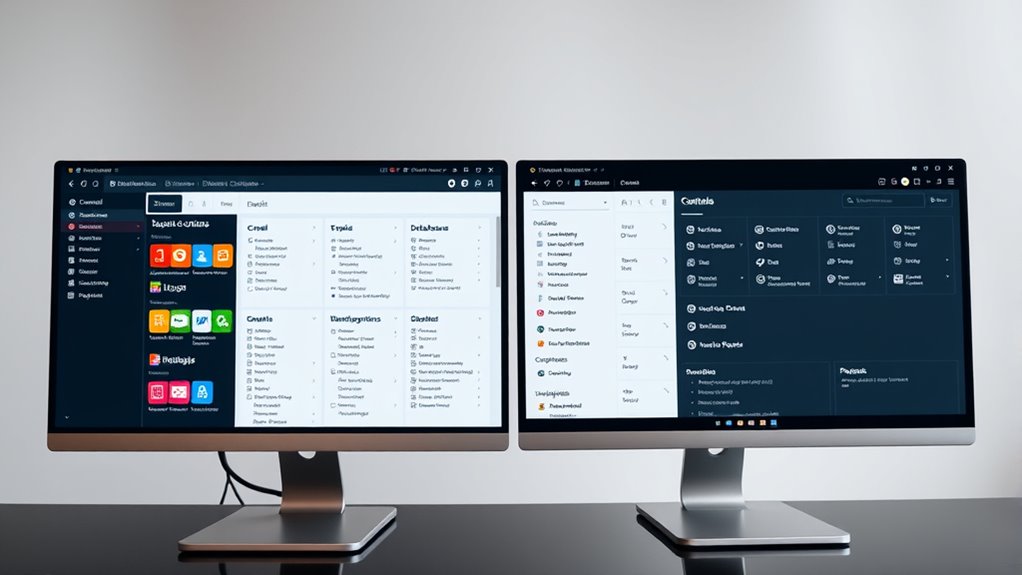
Both cPanel and Plesk offer robust core features and extension capabilities that cater to a wide range of hosting needs. They support essential web tech stacks like PHP, Python, Node.js, and various databases, ensuring compatibility across different environments. cPanel primarily supports Linux distributions, while Plesk offers broader OS support, including Windows. Both include one-click CMS installations, with cPanel’s WordPress Toolkit and Plesk’s expanded CMS options, enhancing website management. Their interfaces differ: Plesk’s modern, intuitive design appeals to beginners, whereas cPanel offers a customizable, classic layout for advanced users. Extensions like Docker support in Plesk and extensive plugin options in cPanel empower you to tailor your hosting environment precisely. Additionally, the ability to support multiple operating systems makes Plesk a versatile choice for diverse server setups. Furthermore, Plesk’s extension marketplace provides a wide array of tools and integrations to extend functionality even further, and its support for containerization technologies allows for flexible deployment options.
Security Measures and Backup Options
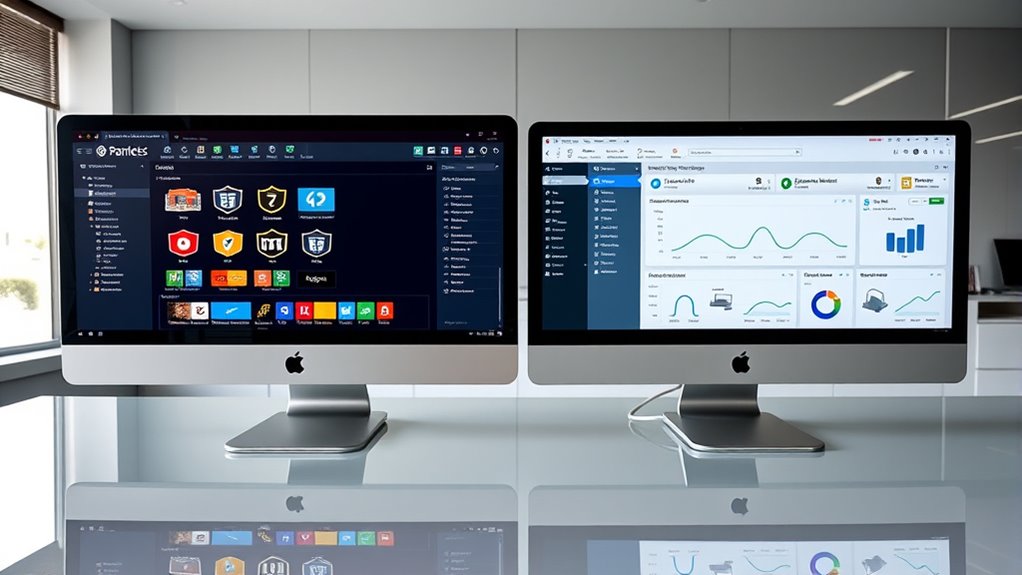
Understanding the security measures and backup options provided by cPanel and Plesk is essential for maintaining a safe and reliable hosting environment. Both panels offer robust security features, but they differ in flexibility and integration. You get automated SSL management with AutoSSL in cPanel, while Plesk offers more flexible wildcard SSL automation with native DNS support. For intrusion prevention, cPanel uses cPHulk, whereas Plesk employs Fail2Ban, which scans logs for malicious activity. Backup options include manual, scheduled, and remote backups, with Plesk providing one-click restorations and more straightforward automation. Additionally, diverse security options are available in both platforms to protect your data effectively. Both platforms prioritize security and data recovery, but Plesk streamlines the process with integrated tools and easier configuration. Ensuring effective data recovery is critical, and both control panels provide comprehensive solutions to minimize downtime and data loss. Moreover, understanding how these features integrate with remote management can enhance overall security and operational efficiency. It is also beneficial to consider how well each platform can adapt to evolving security threats to maintain long-term data integrity.
Application Management and WordPress Handling
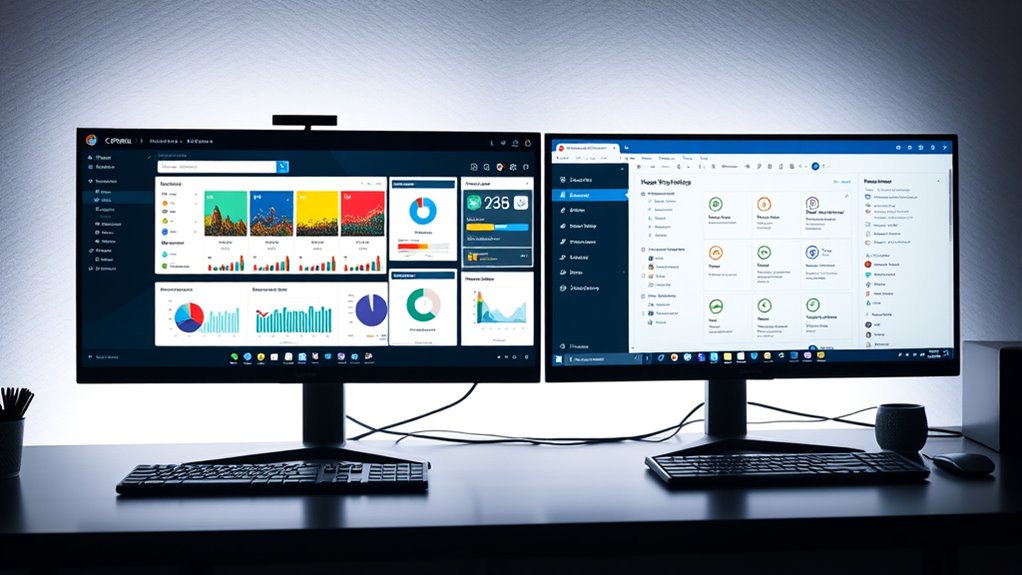
Application management and WordPress handling are key aspects of hosting control panels that directly impact ease of use and workflow efficiency. Plesk offers a centralized “Websites & Domains” section, making it simple to manage all sites in one place. Its user interface resembles the WordPress admin panel, providing a modern, beginner-friendly experience. Plesk’s built-in WordPress Toolkit allows one-click installs, updates, staging, cloning, and security hardening, streamlining WordPress management. In contrast, cPanel separates website tools across multiple sections, which can feel less unified but remains functional. It supports WordPress through third-party tools like Softaculous, requiring manual updates. cPanel’s interface is more traditional and may seem cluttered, especially for newcomers. Plesk’s integrated ecosystem and automation features make managing multiple WordPress sites more efficient. Additionally, user experience plays a vital role in choosing the right control panel for seamless WordPress management. Enhancements in AI-driven automation are increasingly influencing control panel features, making management tasks even more intuitive. The availability of specialized WordPress tools further distinguishes Plesk as a more streamlined option for WordPress-centric hosting. Incorporating integration capabilities with other services can further optimize the management process and improve overall workflow.
Pricing Structures and Performance Metrics
Pricing structures and performance metrics play a crucial role in choosing between cPanel and Plesk, as they directly impact your hosting costs and server efficiency. cPanel’s licensing model is based on tiers—Solo, Admin, Pro, and Premier—each designed for managing a specific number of accounts, with extra accounts charged at $0.45 each per month. As of January 2025, prices have increased markedly. Plesk, on the other hand, offers predictable pricing tiers like Web Admin, Web Pro, and Web Host, typically priced per server. This supports better scalability and includes features like native Nginx, caching, and resource monitoring. Both panels differ in cost structure and performance focus, affecting your budget and server optimization. Additionally, understanding the pricing models can help you choose the most cost-effective solution for your specific needs. Furthermore, considering the performance metrics can guide you toward a control panel that best enhances server reliability and speed. Evaluating these factors ensures you select a control panel that aligns with your overall cost management and performance goals.
Use Cases and Ideal Deployment Scenarios

Choosing the right control panel depends heavily on your operating environment and specific hosting needs. If you run a Linux-only VPS, cPanel is ideal due to its strong Linux ecosystem integration and widespread industry adoption. For those with Windows servers or mixed OS environments, Plesk offers greater flexibility, supporting both Linux and Windows platforms seamlessly. Hosting providers with diverse client operating systems often deploy cPanel for Linux clients and Plesk for Windows users. Businesses like shared hosting providers benefit from cPanel’s reseller features, while WordPress agencies prefer Plesk for its advanced WordPress Toolkit and automation. Small teams managing multiple sites or CMSs find Plesk’s user-friendly interface and integrated tools advantageous. Overall, your deployment scenario should align with your OS requirements, technical expertise, and business focus.
Migration and Transition Considerations

Migrating between cPanel and Plesk can be complex due to compatibility challenges and differences in data transfer procedures. You’ll need to plan carefully to minimize downtime and avoid disruptions, especially since automated tools may not cover all configurations. Preparing thorough backups and understanding manual migration steps are essential to facilitate a smooth transition.
Migration Compatibility Challenges
Switching from cPanel to Plesk or vice versa often presents compatibility hurdles that can complicate the migration process. These obstacles include limitations of migration tools and system incompatibilities. For example:
- Migration tools like Plesk Migrator only support transferring to the same or newer Plesk versions, excluding older ones.
- Certain configurations, such as Apache modules, custom web server settings, and PHP directives, aren’t transferred automatically.
- Compatibility issues like empty passwords, domain name length restrictions, and differences in account credential requirements can cause failures.
Additionally, service-specific data like emails, DNS settings, and custom permissions often require manual reconfiguration after migration, adding to the complexity of ensuring a smooth transition.
Data Transfer Procedures
Effective data transfer during a migration requires careful planning and proper configuration of the tools involved. Plesk uses the Transfer and Migration Manager, which needs you to configure server details like IP address, password, upload path, and data selection. cPanel employs the Transfer Tool via WHM, ideal when server environments are similar. Both panels recommend scheduling migrations during quiet hours to maximize speed and reduce load. You’ll need to handle manual post-migration tasks, such as updating DNS zones, SSL certificates, PHP extensions, and IP blacklists. Email passwords aren’t transferred, so reset and notify users. Large accounts may require manual rsync transfers. Ensuring compatible OS environments and sufficient disk space on both servers helps prevent issues. Proper preparation guarantees a smoother data transfer process.
Downtime and Disruption
Careful planning of migration timing is essential to minimize downtime and service disruption. First, schedule migrations during quiet hours to reduce network load and speed up the process. Second, lower DNS TTL values to around 300 seconds at least 24 hours before migration; this helps DNS propagate faster during final sync, drastically cutting downtime. Third, time DNS changes and final syncing precisely to avoid split traffic between old and new servers. Be aware that migration durations vary based on data size and network speed, so realistic planning is instrumental. Some migrations may cause brief periods of limited functionality, especially for interactive services. Proper coordination minimizes service interruptions, ensuring a smoother transition with minimal impact on your users.
Frequently Asked Questions
How Do Cpanel and Plesk Differ in Handling Multi-Language Support?
You’ll find Plesk offers better multi-language support, with a native, extensive interface that’s easy to navigate in many languages, including Asian and European ones. It supports both Windows and Linux, making it more versatile for multilingual applications. cPanel, on the other hand, has limited language options, mainly focusing on English, and often requires third-party tools for broader language support. So, Plesk’s multilingual features are more all-encompassing and user-friendly.
Which Control Panel Offers Better Scalability for Growing VPS Environments?
You should choose Plesk for better scalability in growing VPS environments. It supports both Linux and Windows, allowing you to manage diverse operating systems seamlessly as your infrastructure expands. Plesk’s automation tools, multi-server management, and flexible licensing make it easier to scale efficiently without added costs or complexity. In contrast, cPanel’s Linux-only support limits your options and scalability potential, especially if your needs include Windows-based VPS hosting.
How Do Licensing Costs Impact Long-Term Hosting Infrastructure Planning?
They say “a penny saved is a penny earned,” and licensing costs directly influence your long-term hosting plans. You need to factor in annual price hikes from cPanel or Plesk, which can eat into margins and limit growth. By budgeting for these increases and exploring open-source alternatives, you can better manage expenses, guarantee scalability, and maintain profitability as your infrastructure expands. Planning ahead keeps your business resilient against unpredictable licensing costs.
What Are the Typical Performance Benchmarks for Cpanel Vs Plesk?
You’ll find that cPanel often achieves faster TTFB, roughly 180ms quicker in benchmarks, due to its Apache-based architecture and EasyApache configurations. Plesk, however, excels with native Nginx integration, offering optimized performance for dynamic sites through caching and resource management tools. While both panels are resource-heavy, Plesk’s modern architecture and caching features can reduce server load, making it potentially more efficient under high traffic conditions.
How Do Each Control Panel Integrate With Cloud Service Providers?
You’ll find that Plesk integrates seamlessly with cloud service providers, supporting cloud-native workloads, containers, and hybrid deployments across Windows and Linux. It offers automation tools for SSL, DNS, and backups, making cloud management easier. cPanel, on the other hand, primarily focuses on traditional VPS management with fewer native cloud features, relying more on third-party plugins. Plesk’s integrations tend to streamline cloud workflows, reducing operational complexity.
Conclusion
Choosing between cPanel and Plesk is like selecting the right compass for your server journey. cPanel offers a familiar, steady hand, while Plesk provides a sleek, modern navigator. Think of it as charting your course through a vast digital sea—your choice shapes your voyage. Whichever you pick, guarantee it aligns with your destination, so your hosting experience sails smoothly across the waves of technology.