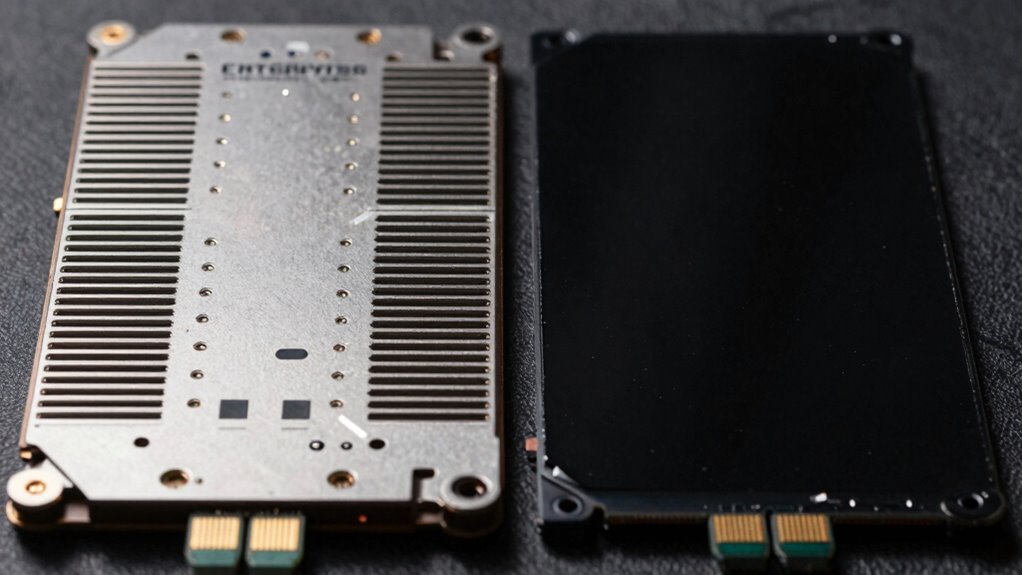

Enterprise SSDs are designed to handle intense workloads, using advanced wear leveling, firmware optimization, and error correction to maintain performance and data integrity under pressure. Consumer SSDs focus on cost and everyday use, so they use less aggressive wear leveling and simpler error correction, which can lead to slower speeds and errors during heavy tasks. Understanding these differences helps you choose the right drive; explore further to discover how these features impact performance under stress.
Open a free Amazon Business account
Business pricing, bulk buying and tax-exempt orders.
As an affiliate, we earn on qualifying purchases.
Key Takeaways
- Enterprise SSDs use advanced wear leveling to evenly distribute write cycles, enhancing durability under heavy workloads.
- Firmware in enterprise SSDs is optimized for performance, reliability, and error correction during sustained operation.
- Enterprise models are designed to manage thermal loads and data integrity better under stress conditions.
- Consumer SSDs have less aggressive wear leveling and error correction, leading to higher error rates under pressure.
- Design differences, including NAND management and power loss protection, contribute to the varied performance of both SSD types under stress.
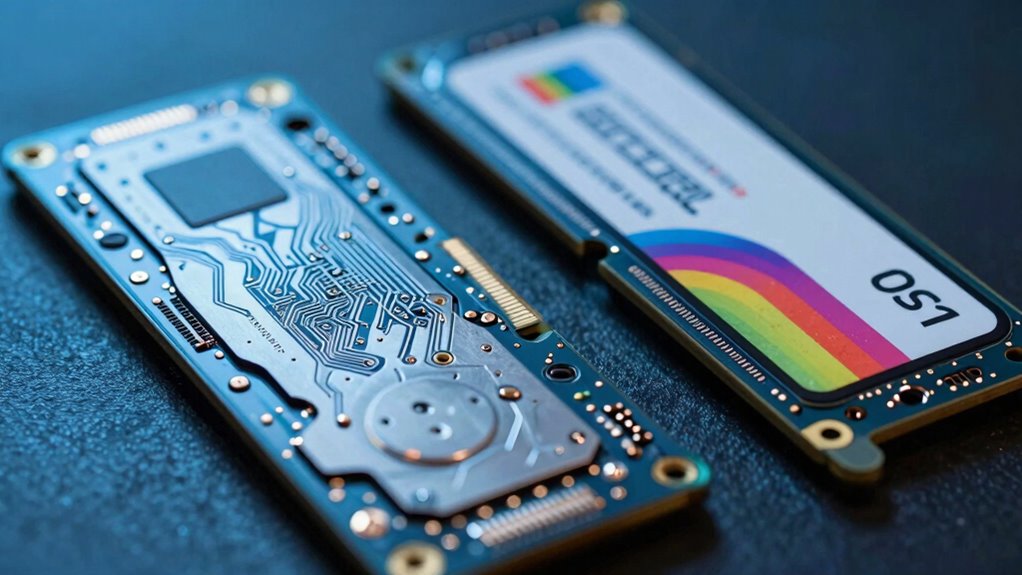
As data demands continue to grow exponentially, the pressure on SSDs to deliver higher performance, durability, and reliability has never been greater. This is especially true when comparing enterprise SSDs to consumer models. You’ll find that enterprise SSDs are built to handle intense workloads and continuous operation, while consumer SSDs prioritize cost-effectiveness and everyday use. One key reason these devices behave differently under pressure lies in how they manage their internal processes, particularly wear leveling and firmware optimization.
Wear leveling is essential in extending the lifespan of an SSD. Enterprise SSDs implement advanced wear leveling techniques to evenly distribute write and erase cycles across the entire NAND flash memory. This prevents certain areas from wearing out prematurely, which is especially important given the heavy, sustained workloads they face. Consumer SSDs, on the other hand, typically use less aggressive wear leveling algorithms because they don’t need to sustain constant, high-volume data writes. As a result, they might wear out faster under intensive use, even if they perform well during typical consumer tasks. Additionally, the wear leveling strategies employed can significantly influence the overall endurance of the drive under stress. Moreover, enterprise SSDs often incorporate predictive analytics to monitor wear patterns and optimize their lifespan proactively.
Firmware optimization also plays a major role in how SSDs behave under pressure. Enterprise SSDs feature specially tuned firmware designed to maximize performance, reliability, and data integrity under demanding conditions. These firmware updates often include features like power loss protection, error correction enhancements, and better management of NAND flash operations. They’re built to handle continuous operation, rapid data transfer, and error recovery at a level that consumer SSDs usually don’t match. Consumer SSD firmware tends to focus on delivering a good balance of speed and longevity for casual users, which means it may lack some of the sophisticated algorithms and safeguards found in enterprise models.
When you push an enterprise SSD to its limits, these design elements make a noticeable difference. The drive maintains consistent performance, manages thermal loads efficiently, and resists data corruption even during sustained workloads. The firmware is optimized to prevent performance dips, and wear leveling ensures the NAND memory remains healthy over years of use. Conversely, a consumer SSD might exhibit slower performance, higher error rates, and signs of wear sooner under similar stress, because its firmware and wear leveling aren’t tailored for prolonged heavy-duty use. Additionally, enterprise SSDs often incorporate advanced error correction techniques that improve data integrity in demanding environments.
In essence, the fundamental differences come down to how each type of SSD is engineered. Enterprise models incorporate more robust wear leveling strategies and firmware optimization to withstand the pressures of mission-critical environments. Consumer models, while fast and affordable, aren’t built for that level of endurance, which explains why they behave differently when pushed to their limits.
As an affiliate, we earn on qualifying purchases.
Frequently Asked Questions
How Does Thermal Management Differ Between Enterprise and Consumer SSDS?
You’ll find enterprise SSDs have advanced thermal sensors and robust cooling systems, ensuring efficient heat dissipation under heavy workloads. In contrast, consumer SSDs often have basic thermal management, relying on passive cooling. This difference means enterprise drives maintain peak performance longer under pressure, while consumer drives may throttle or slow down to prevent overheating. Your choice depends on whether you prioritize durability and sustained performance or cost and simplicity.
What Impact Does Workload Type Have on SSD Lifespan?
Workload type markedly impacts your SSD’s lifespan. For example, high write workloads can cause more wear, reducing endurance. You rely on wear leveling to evenly distribute data, protecting data integrity over time. Heavy, continuous writing accelerates wear, risking data loss. Conversely, lighter, read-heavy tasks extend SSD lifespan. So, understanding your workload helps optimize SSD performance and longevity by choosing the right drive and applying proper wear leveling techniques.
Are There Specific Error Correction Methods Unique to Enterprise SSDS?
Enterprise SSDs use advanced error correction methods like LDPC (Low-Density Parity-Check) and BCH algorithms to guarantee data integrity under heavy workloads. They also receive firmware updates that optimize error correction performance, adding an extra layer of reliability. These features help enterprise SSDs handle demanding environments better than consumer drives, reducing data loss risks and maintaining high performance even when pressure increases.
How Do Power Fluctuations Affect SSD Performance and Durability?
Power fluctuations can cause your SSD’s performance to drop and threaten data integrity. When power isn’t stable, your SSD might experience interrupted write processes or data corruption. Enterprise SSDs are designed with advanced power management features that protect against these issues, ensuring data integrity and consistent performance. Consumer SSDs are more vulnerable to power fluctuations, which can lead to increased wear and potential data loss, reducing overall durability.
What Are the Long-Term Maintenance Considerations for Enterprise SSDS?
Think of enterprise SSDs as a well-oiled machine, requiring regular oil changes. Long-term, you should prioritize firmware optimization to improve performance and reliability. Data redundancy is essential—implement RAID configurations to protect data from drive failures. Regular firmware updates, monitoring drive health, and timely replacement of aging drives ensure durability. This proactive approach prevents unexpected downtime, keeping your enterprise storage resilient and efficient over time.
consumer SSD with error correction
As an affiliate, we earn on qualifying purchases.
As an affiliate, we earn on qualifying purchases.
Conclusion
Understanding the differences between enterprise and consumer SSDs helps you choose the right storage for your needs. Enterprise SSDs handle pressure better, with a typical endurance rating of over 5,000 terabytes written (TBW), compared to consumer SSDs averaging around 600 TBW. This resilience means enterprise drives are built for continuous, heavy workloads, ensuring longevity and reliability. So, whether you’re managing critical data or everyday tasks, knowing these stats helps you make smarter storage decisions.
high endurance SSD for data centers
As an affiliate, we earn on qualifying purchases.
As an affiliate, we earn on qualifying purchases.
As an affiliate, we earn on qualifying purchases.
Fall Picks
fall essentials
As an affiliate, we earn on qualifying purchases.