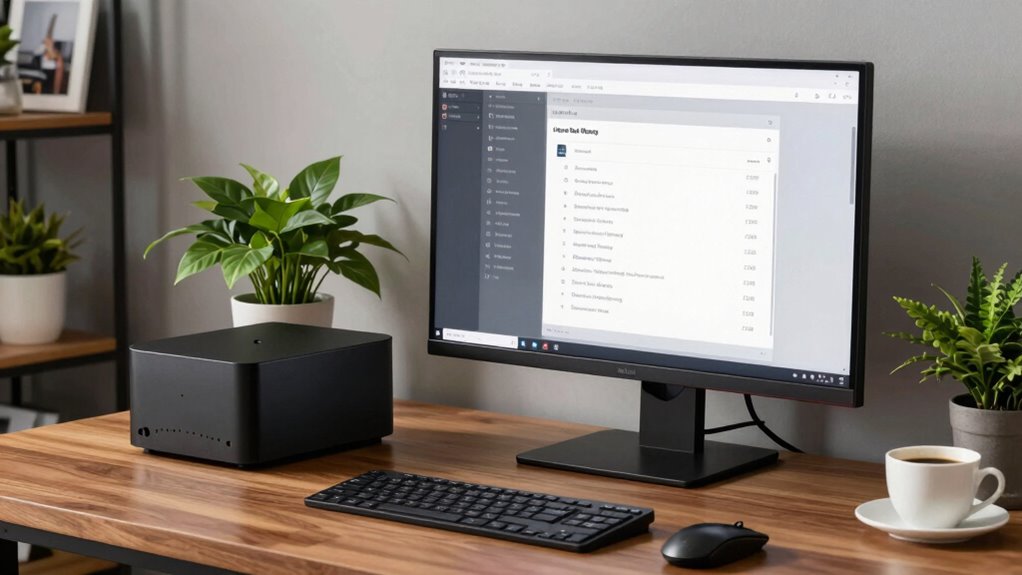

To decide if a mini PC is enough for home office power use, evaluate your tasks. If you mainly work on document editing, browsing, and video calls, a mini PC with basic processors and at least 8GB RAM should work well. However, if you handle heavier workloads like data analysis or multitasking, consider models with higher specs or better upgrade options. Keep in mind, their limited hardware flexibility may impact long-term performance—learn more on what to watch for in your choice.
Key Takeaways
- Assess your daily tasks; basic office work needs minimal specs, while demanding tasks require higher performance components.
- Check if the mini PC offers upgrade options like RAM or storage to accommodate future workload growth.
- Ensure the mini PC has sufficient processing power (e.g., i5 or Ryzen) and RAM (at least 8GB) for smooth multitasking.
- Consider energy efficiency and eco-friendly features to match sustainable practices and reduce long-term costs.
- Evaluate the device’s potential for future upgrades to avoid early obsolescence and ensure long-term usability.
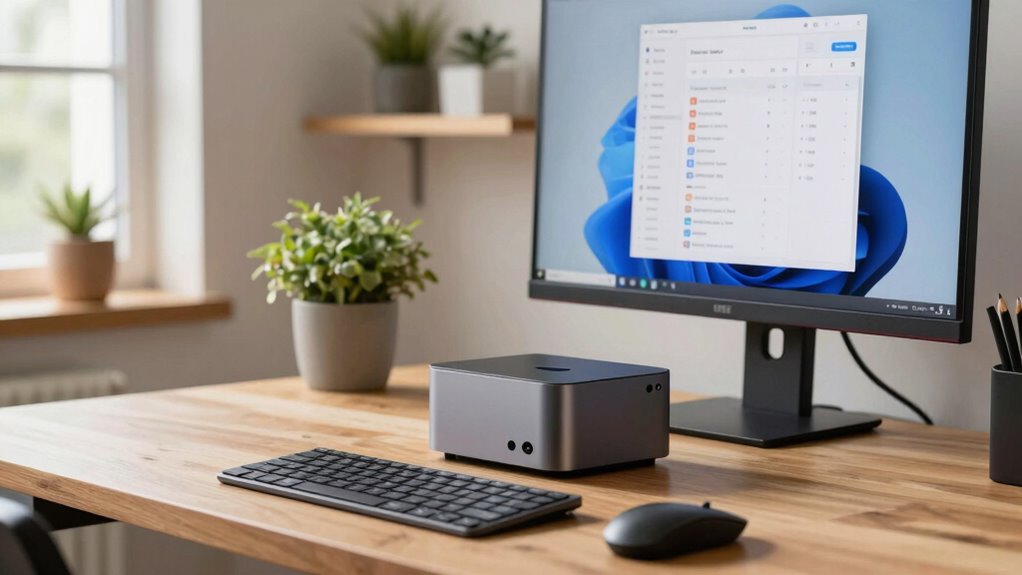
Deciding whether a mini PC can handle your home office needs depends on understanding your specific workload and performance requirements. If your daily tasks involve simple document editing, web browsing, and video conferencing, a compact mini PC might be more than enough. However, if you’re into more demanding activities like intensive data analysis, graphic design, or gaming, you’ll need to assess its capabilities carefully. When it comes to gaming performance, mini PCs typically aren’t built for high-end, resource-heavy games, especially if they lack dedicated graphics cards. If gaming is a priority, look for models with decent integrated graphics or the potential to upgrade to a dedicated GPU, though upgrade options in mini PCs are often limited.
Upgrade potential is another essential factor. Many mini PCs come with soldered components, meaning you can’t easily swap out or add more RAM, storage, or graphics cards later on. If you plan to grow your workload or require more speed over time, you’ll want to choose a mini PC that offers some flexibility. Some models provide accessible RAM slots or M.2 slots for SSD upgrades, but check the specifications thoroughly before purchasing. You might find that a mini PC with limited upgrade options could become outdated faster, forcing you to buy new hardware sooner than expected. Considering hardware flexibility is crucial for ensuring your system remains capable as your needs evolve. Additionally, understanding upgradability can help you select a model that stays relevant longer. Recognizing future-proofing options can also ensure your investment remains valuable over time.
Performance requirements also involve processor speed, RAM capacity, and storage type. For basic tasks, integrated processors like Intel’s U-series or AMD’s Ryzen chips can suffice, but for heavier multitasking or specialized work, a mini PC with a more powerful processor like an Intel i5 or i7, or AMD Ryzen equivalents, will serve you better. RAM is equally important; at least 8GB is recommended for smooth multitasking, with 16GB or more being ideal for heavier workloads. Storage should be fast and ample—preferably an SSD—to guarantee quick boot times and rapid access to files. Additionally, understanding biodiversity and sustainable practices can influence your choice of eco-friendly hardware and responsible disposal of electronic waste, aligning your tech choices with sustainable living principles. Incorporating energy efficiency into your decision can further reduce long-term operating costs and environmental impact.
In the end, determining if a mini PC fits your home office needs hinges on balancing your current workload with future upgrade plans. If your tasks remain light and you don’t anticipate needing high gaming performance or significant hardware upgrades later, a mini PC can be a practical, space-saving choice. But if you foresee your workload expanding or requiring more graphics power, carefully evaluate the upgrade potential and support for higher performance components. That way, you avoid investing in hardware that might quickly become limiting, guaranteeing your mini PC remains a reliable tool for your home office.

KAMRUI E3B Mini Gaming PC Windows 11 pro, AMD Ryzen 7 7730U (Upgraded 7640HS/7430U), 32GB RAM 1TB M.2 SSD Desktop Computers, 4K Triple Display/Type-C/WiFi6/BT5.2 for Gaming | Business | Home | Office
Exceeds RYZEN 7: The AMD Ryzen 7 7730U processor integrated in the E3B Mini PC is based on…
As an affiliate, we earn on qualifying purchases.
As an affiliate, we earn on qualifying purchases.
Frequently Asked Questions
Can a Mini PC Handle Multiple Monitors Effectively?
A mini PC can handle a multi monitor setup effectively if it has the right display connectivity options, like multiple HDMI or DisplayPort outputs. Check your mini PC’s specifications to guarantee it supports multiple monitors simultaneously. With proper graphics hardware and enough ports, you can easily manage several screens, boosting your productivity. Just make sure your mini PC’s hardware can support your desired resolution and the number of monitors you want.
What Are the Upgrade Limitations of Mini PCS?
Mini PCs have compact designs that often come with upgrade constraints, limiting your ability to enhance hardware like RAM, storage, or graphics. You might be able to upgrade certain components, but many models restrict internal modifications due to their small form factors. If you need extensive upgrades or future-proofing, consider whether a mini PC’s design suits your needs, or if a larger desktop might offer better upgrade flexibility.
How Does Mini PC Performance Compare to Traditional Desktops?
You’ll find that mini PCs generally offer less raw power compared to traditional desktops, but they excel in affordability and portability. If your tasks involve basic office work, web browsing, or streaming, a mini PC performs adequately. However, for high-demand applications like video editing or gaming, a traditional desktop provides better performance. Consider your needs and the mini PC’s upgrade limitations before deciding if it’s right for your home office.
Are Mini PCS Suitable for High-End Graphics or Gaming?
Did you know that mini PCs now pack up to 16-core processors? While mini gaming and graphics performance have improved, they still lag behind high-end desktops for intense gaming or advanced graphic tasks. If you prioritize portability over top-tier graphics, a mini PC can handle light gaming and some creative work. However, for demanding games or professional-grade graphics, a traditional desktop remains the better choice.
What Is the Typical Lifespan of a Mini PC?
A mini PC typically lasts around 3 to 5 years, depending on its durability and how well you maintain it. Durability factors, like build quality and cooling, influence its lifespan considerations. You can extend its life by keeping the system clean, updating software regularly, and avoiding overheating. While mini PCs are generally sturdy, their compact design may limit upgrade options, so plan for eventual replacement as technology advances or performance declines.
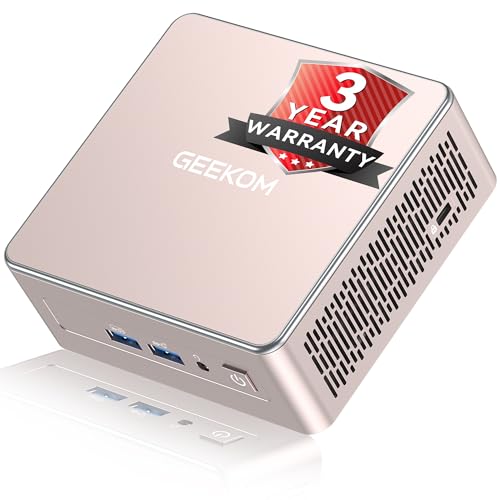
GEEKOM A5 2026 Edition Mini PC for Home Office & Multitasking, AMD Ryzen 5 7430U, 16GB RAM (Upgradable to 64GB) & 512GB M.2 NVMe SSD Desktop Computer, Windows 11 Pro, 8K, 6x USB Ports, 3-Year Coverage
[🚨Industry Supply Alert] Facing a severe industry-wide DDR memory shortage driven by massive AI sector demand, GEEKOM must…
As an affiliate, we earn on qualifying purchases.
As an affiliate, we earn on qualifying purchases.
Conclusion
Choosing a mini PC for your home office is like picking the right tool for a craft—size doesn’t always reveal its strength. If it meets your needs without overloading your workspace or wallet, then it’s the right fit. Remember, a compact device can pack a punch when chosen wisely. Trust your assessment, and you’ll find that sometimes, small can be mighty—delivering just what you need without the weight of excess.

KAMRUI Essenx E1 N97 Mini PC, Dual 4K HDMI, 16GB RAM 256GB SSD, High-Speed Gigabit Ethernet Wi-Fi Bluetooth Ultra Silent
Effortless Multitasking & Smooth Performance : Struggling with lag during multitasking? The KAMRUI Essenx E1 N97 Mini PC…
As an affiliate, we earn on qualifying purchases.
As an affiliate, we earn on qualifying purchases.

KAMRUI Essenx E1 Mini PC Computer, AMD 3150U (Beats i3-10110U/N95), 8GB RAM 256GB SSD, Mini Desktop Computer Support Dual 4K, WiFi, Bluetooth, Ethernet for Business, Education, Home
Next-Gen Performance in a Compact Powerhouse: Meet the KAMRUI Essenx E1 Mini PC—powered by the AMD Athlon Gold…
As an affiliate, we earn on qualifying purchases.
As an affiliate, we earn on qualifying purchases.