
Choosing SSD hosting over traditional HDD hosting means you’ll experience faster load times and quicker data access, thanks to SSDs’ higher speeds and lower latency. SSDs are more reliable, with fewer failures and greater durability since they lack moving parts. They consume less energy and require less maintenance, boosting long-term savings. If you want to understand how these benefits can elevate your website’s performance and reliability even further, explore the details ahead.
Key Takeaways
- SSD hosting offers significantly faster data access and load times compared to HDD hosting due to higher read/write speeds.
- SSDs have lower latency (~40–100 microseconds) and improved reliability, reducing downtime and increasing website uptime.
- HDD hosting is slower, with mechanical parts causing delays and higher failure rates, impacting overall site performance.
- SSDs maintain consistent performance under heavy server loads, supporting better scalability and user experience.
- Although more expensive upfront, SSD hosting provides long-term savings through durability, energy efficiency, and reduced maintenance.
Speed Differences Between SSDs and HDDs
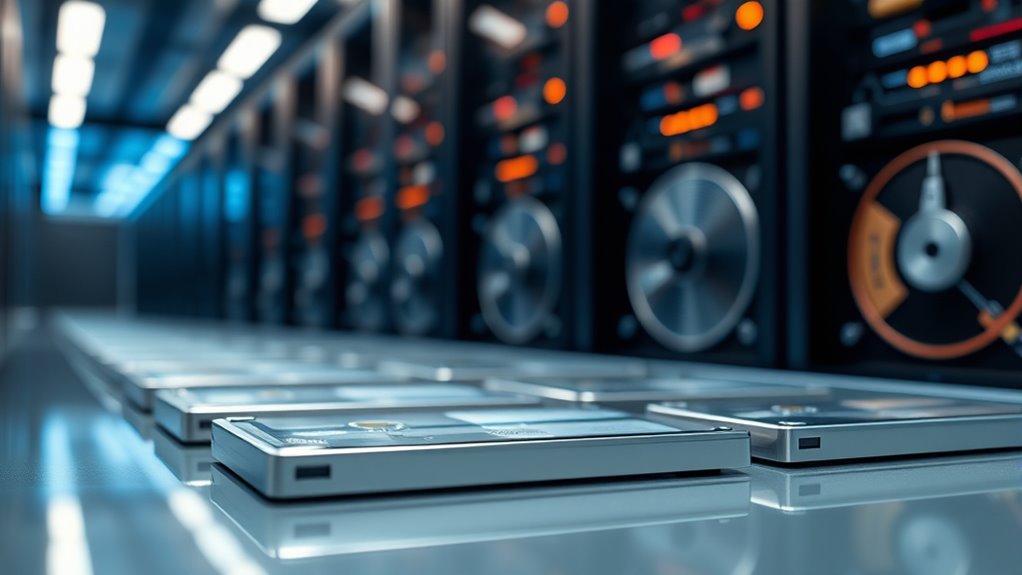
When comparing SSDs and HDDs, the most noticeable difference lies in their speeds. SSDs typically read and write data between 200 MB/s and 550 MB/s, with high-end models reaching up to 3,500 MB/s. In contrast, standard HDDs average just 80 MB/s to 160 MB/s, and some older or lower-end models perform as low as 30–120 MB/s. This speed gap is especially evident with small files and random access, where SSDs outperform HDDs considerably. SSDs access data almost instantly, with latency around 40–100 microseconds, while HDDs require 5,000–10,000 microseconds due to mechanical movement. The faster speeds and lower latency of SSDs translate into quicker boot times, faster file transfers, and more efficient multitasking compared to traditional HDDs. Additionally, the cost difference has been narrowing as SSD technology becomes more affordable, making them a more practical choice for many users. As SSDs continue to evolve, their storage capacity is also increasing, providing larger options for users seeking speed along with ample space. Furthermore, advancements in solid-state drive technology are driving innovations that benefit both consumers and enterprises. For example, the development of NVMe technology is significantly reducing data transfer bottlenecks, further enhancing SSD performance.
How Storage Type Affects Website Performance
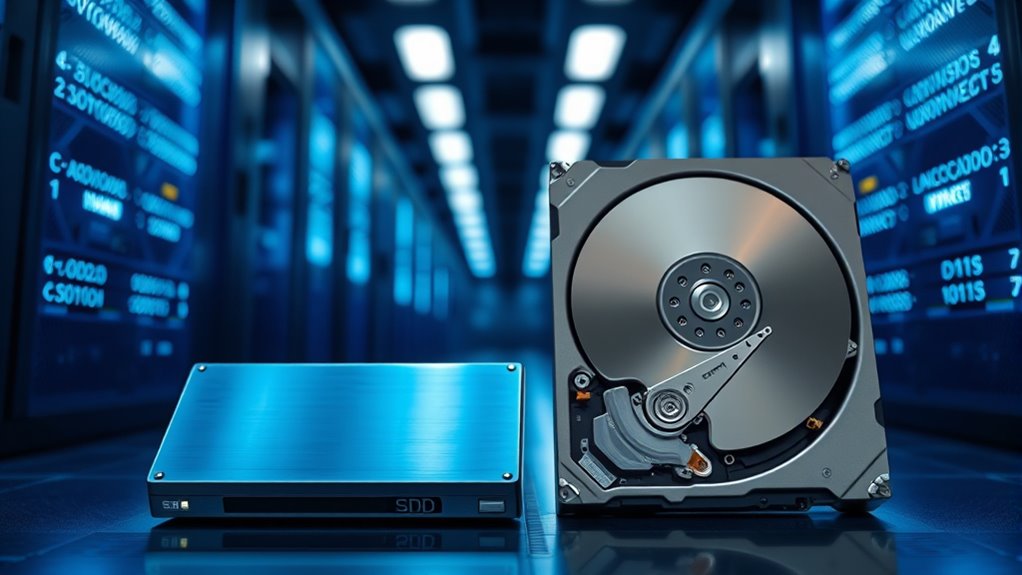
Your website’s speed heavily depends on the storage type you choose, as SSDs offer faster access speeds than HDDs. This difference directly impacts load times, especially for dynamic content and media files, ensuring your site loads quickly for visitors. Additionally, using SSDs provides better scalability, allowing your site to grow without sacrificing performance during traffic surges. Incorporating refrigeration cycle principles into server cooling systems can also improve hardware efficiency and longevity. Moreover, the reliability of SSDs reduces the risk of data loss and downtime, contributing to a more stable hosting environment. Furthermore, the durability of SSDs makes them well-suited for handling heavy workloads and continuous operation, which is crucial for maintaining site performance. Embracing technological advancements in storage solutions ensures your hosting remains competitive and reliable.
Access Speed Differences
The type of storage used—SSD or HDD—directly impacts website access speeds and overall performance. SSDs have read speeds ranging from 200 MB/s to over 5500 MB/s, enabling rapid content delivery and faster database queries. In contrast, HDD speeds are limited to 80-160 MB/s, making them considerably slower. SSDs, especially NVMe models, can be up to 35 times faster than HDDs, reducing latency and improving server response times. Lower latency means quicker data access and faster Time to First Byte (TTFB), which enhances your site’s responsiveness. Additionally, SSDs excel at handling multiple operations simultaneously without slowdown, ensuring your site remains fast during peak traffic. This speed advantage makes SSD hosting ideal for websites demanding quick access and reliable performance. HEPA filtration technology in some SSD hosting environments can help improve overall data integrity by reducing airborne contaminants that might interfere with sensitive hardware components, further ensuring consistent performance. Understanding the performance benefits of SSDs can help you select the best hosting option for your website’s needs. Moreover, the reliability of SSDs reduces the risk of hardware failures, providing greater uptime for your website. In addition, advanced manufacturing processes used in SSDs contribute to their durability and long-term stability.
Load Time Impact
Choosing SSD hosting over HDD hosting can dramatically cut your website’s load times, resulting in quicker access for visitors. SSDs process requests faster, reducing delays and improving overall responsiveness. They offer near-instant data access, much like quickly flipping through a DVD, which substantially impacts load times. As a result, your site can load pages up to 150 milliseconds faster than with HDDs. This speed boost enhances user experience and can positively influence your SEO rankings.
- Faster page loading and retrieval
- Reduced latency for quick responses
- Better performance under high traffic
- More efficient resource utilization
- Improved overall responsiveness
Scalability Advantages
Storage type considerably influences how well a website can scale to meet growing demand. SSDs offer larger capacities, reaching 50-100 TB, whereas HDDs max out around 20 TB, making SSDs more suitable for expanding sites. Their smaller physical size and higher density NAND tech enable more storage in less space, easing scalability. SSDs maintain consistent high throughput and low latency under heavy load, supporting traffic spikes and database operations efficiently. In contrast, HDDs slow down as workload increases and require additional hardware, raising costs. SSDs’ lack of moving parts reduces failure risks, enhancing fault tolerance and uptime. Plus, their lower power consumption makes large-scale deployments more cost-effective and environmentally friendly. Solid-state drives provide a flexible, reliable foundation for website growth. Additionally, WWE Raw’s financial impact demonstrates how technology and performance enhancements can influence large-scale entertainment operations, emphasizing the importance of reliable infrastructure. Incorporating advanced storage solutions can further optimize scalability and performance in hosting environments.
Reliability and Lifespan of SSDs Compared to HDDs
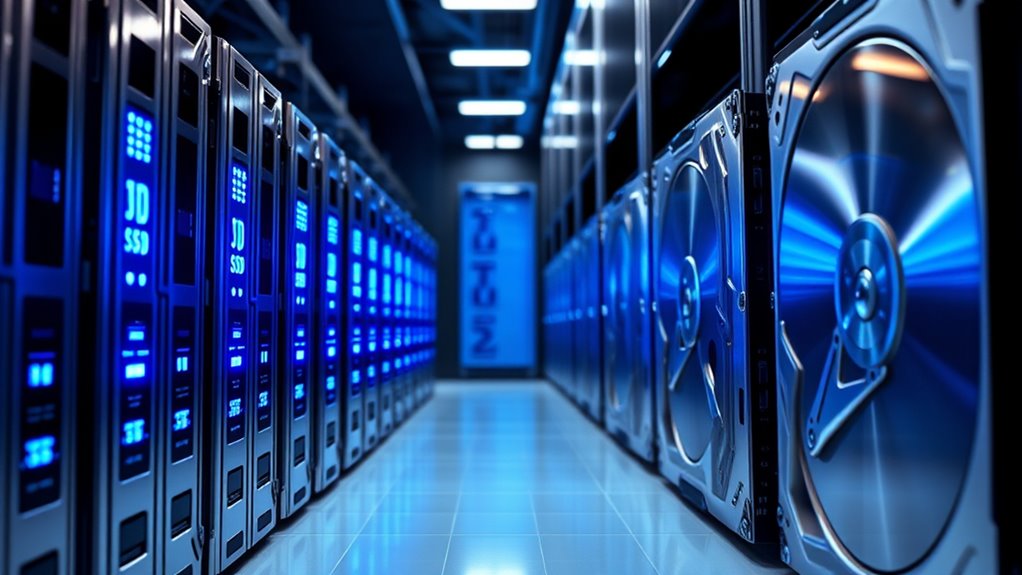
When comparing SSDs and HDDs, reliability and lifespan are key factors that set them apart. SSDs typically have lower failure rates, with Backblaze reporting a 0.98% annual failure rate versus 1.64% for HDDs. They lack moving parts, making them more resistant to physical damage and environmental stressors. In contrast, HDDs are prone to mechanical failures, especially as they age. SSDs can last over 10 years even under heavy use, while HDDs average around six years and nine months. Failure rates tend to increase with age for HDDs, often spiking after five years. Key points include:
- SSDs have lower failure rates overall
- No moving parts in SSDs improve durability
- HDDs are more susceptible to mechanical issues
- SSDs last longer with advancements in flash memory
- Regular backups remain essential for both types
Energy Efficiency and Operating Costs of Storage Solutions
Solid-state drives (SSDs) generally consume less power than traditional hard disk drives (HDDs), making them a more energy-efficient option for data centers and other storage environments. Typically, SSDs use about 2-3 watts during active use and as little as 0.5 watts when idle, whereas HDDs often consume 3-4 watts even when idle. SSDs produce less heat, reducing cooling costs and environmental impact. Although SSDs have a higher upfront cost per gigabyte, they can lower long-term expenses through reduced energy consumption and cooling needs. In workloads that involve frequent reads, SSDs excel with lower power per operation, while HDDs can be more efficient during write-intensive tasks. Overall, SSDs support greener, cost-effective operations despite initial investment differences. Growing and Harvesting Chia Seeds also benefits from energy-efficient practices, emphasizing sustainability in various sectors.
Backup and Data Recovery Speeds in SSD and HDD Hosting
Compared to traditional HDDs, SSDs markedly boost backup and data recovery speeds thanks to their faster read and write capabilities. With read speeds up to 5500 MB/s and write speeds reaching 5000 MB/s, SSDs drastically reduce backup windows. Their low latency (40-100 microseconds) enables quicker data access, speeding up recovery. NVMe SSDs, with speeds up to 15,000 MB/s, cut recovery times even further. Handling multiple operations simultaneously, SSDs prevent bottlenecks and keep systems responsive during backups. They also enhance backup integrity, thanks to no moving parts and higher MTBF. Additionally, their faster data access capabilities help minimize the impact of hardware failures on recovery processes. The durability and reliability of SSDs further contribute to consistent backup performance over time. Moreover, SSDs’ power efficiency reduces operational costs and extends hardware lifespan, ensuring long-term backup reliability. As SSD technology continues to advance, their cost-effectiveness improves, making them an increasingly attractive option for reliable data management.
Cost Implications and Scalability for Growing Websites

While SSDs deliver superior performance, their higher initial costs can be a significant consideration for growing websites. The upfront expense for SSDs, ranging from £70 to £200 per terabyte, is especially higher than HDDs, which cost £30 to £60. Although SSDs have a higher price per GB, they offer lower total ownership costs due to energy efficiency and reliability. Long-term cost savings can be achieved through reduced energy consumption and fewer hardware replacements. Additionally, the durability of SSDs contributes to their lower maintenance needs over time. Moreover, the lifespan of SSDs tends to be longer compared to HDDs, reducing the frequency of replacements and associated costs. Scalability is also more expensive but more effective; SSDs can handle increased traffic without slowing down and are easier to upgrade with minimal downtime. For expanding websites, investing in SSDs means better performance, longevity, and capacity growth, making them a smarter choice despite the higher initial investment. Over time, the benefits outweigh the costs, supporting sustained growth. Understanding hardware costs is essential when planning for future scalability and budget allocation.
Frequently Asked Questions
How Do SSDS Perform Under Heavy Server Workloads Compared to HDDS?
You’ll notice that SSDs perform considerably better under heavy server workloads than HDDs. They deliver over 1 million IOPS with latency under 0.1 ms, allowing faster processing of multiple requests. SSDs are more reliable because they have no moving parts and handle high write volumes better, reducing failure risks. Plus, they use less power overall and generate less heat, making them more efficient and resilient in demanding environments.
What Maintenance Differences Exist Between SSD and HDD Hosting Solutions?
You’ll notice that SSD hosting requires less maintenance than HDD solutions. Since SSDs have no moving parts, they’re less prone to mechanical failure, reducing repair needs. They’re more durable, produce less heat, and have lower failure rates, meaning you spend less time on checks and repairs. Plus, they maintain data integrity when powered off, which minimizes data recovery efforts. Overall, SSDs offer a more reliable and maintenance-friendly hosting option.
Are SSDS More Resistant to Physical Shocks and Environmental Factors?
Yes, SSDs are more resistant to physical shocks and environmental factors. Since they have no moving parts, you won’t worry about damage from drops, vibrations, or temperature extremes. You can rely on SSDs in mobile or harsh environments because they withstand shocks up to 1,500 g and resist vibrations better than HDDs. Just remember, even SSDs need careful handling, as intense shocks can still harm their electronic components.
How Does Data Fragmentation Impact SSD and HDD Performance?
Think of your data as a river. On an HDD, fragmentation creates chaotic currents, causing the read/write head to chase scattered data pieces like a boat chasing debris, slowing everything down. For SSDs, the flow is more like a fast-moving stream; fragmentation causes internal congestion, reducing speed and wear. While HDDs suffer mechanical delays, SSDs handle fragmentation better but still face performance dips under heavy load.
What Are the Security Considerations Unique to SSD Versus HDD Storage?
You should know that SSDs pose unique security challenges because their wear-leveling and over-provisioning can leave traces of data, making secure erasure more complex. Unlike HDDs, which can be physically destroyed or degaussed for complete data removal, SSDs require specialized tools or cryptographic methods. Proper sanitization is vital to prevent data breaches, especially in hosting environments, as improper disposal risks exposing sensitive information.
Conclusion
Choosing between SSD and HDD hosting is like picking between a jet and a freight train—you’ll get speed and agility with SSDs, seamlessly powering your website’s growth. SSDs light up your site with lightning-fast data access, ensuring smooth sailing even during traffic surges. While they may cost more upfront, their reliability and efficiency make them worth the ride. Make your hosting choice, and watch your website soar like a bird on the open sky.