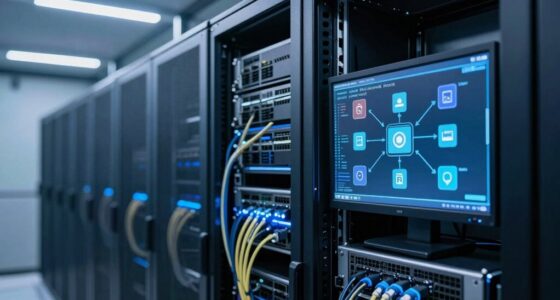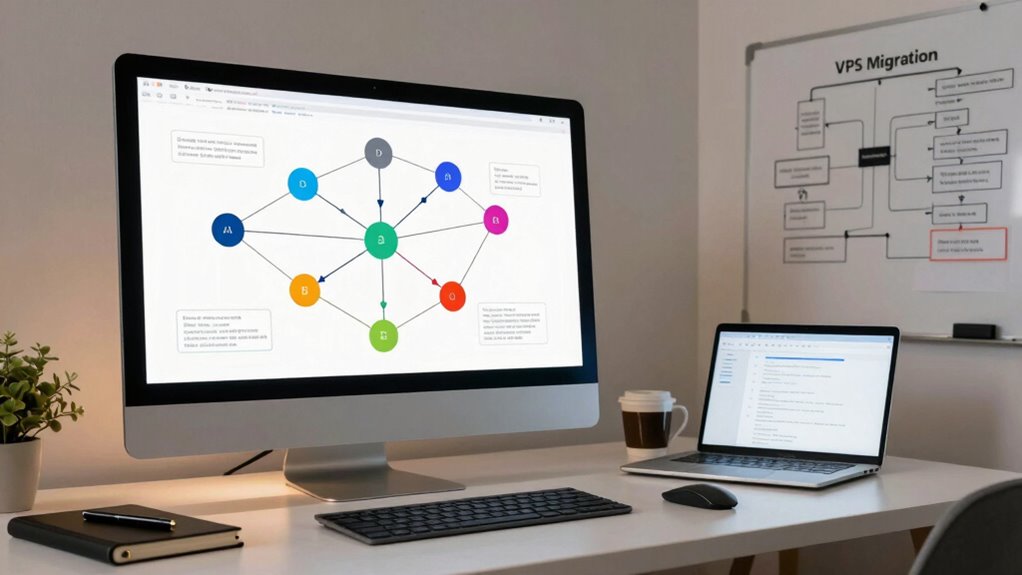

To plan a zero-downtime VPS migration without overcomplicating it, start by thoroughly evaluating your current setup, documenting configurations, and setting up a replica environment using virtualization to mirror your server. Use reliable synchronization tools to keep data current in both environments while testing for performance and compatibility. Schedule the final cutover during low-traffic periods, switch DNS quickly, and monitor closely afterward. Continuing will help you master the smoothest migration strategy.

Get business pricing on networking and server gear
- Business-only prices and quantity discounts
- Tax-exempt purchasing
- Multiple users, one account, clear invoices
Key Takeaways
- Use virtualization to create an exact replica of the current server environment for seamless testing and migration.
- Implement continuous data synchronization between old and new servers to ensure real-time consistency.
- Schedule the final switch during low-traffic periods to minimize user impact and allow quick cutover.
- Test the new environment thoroughly before switch-over, verifying application performance and visual output quality.
- Monitor the new server post-migration, prepared to revert if any issues arise to maintain service continuity.
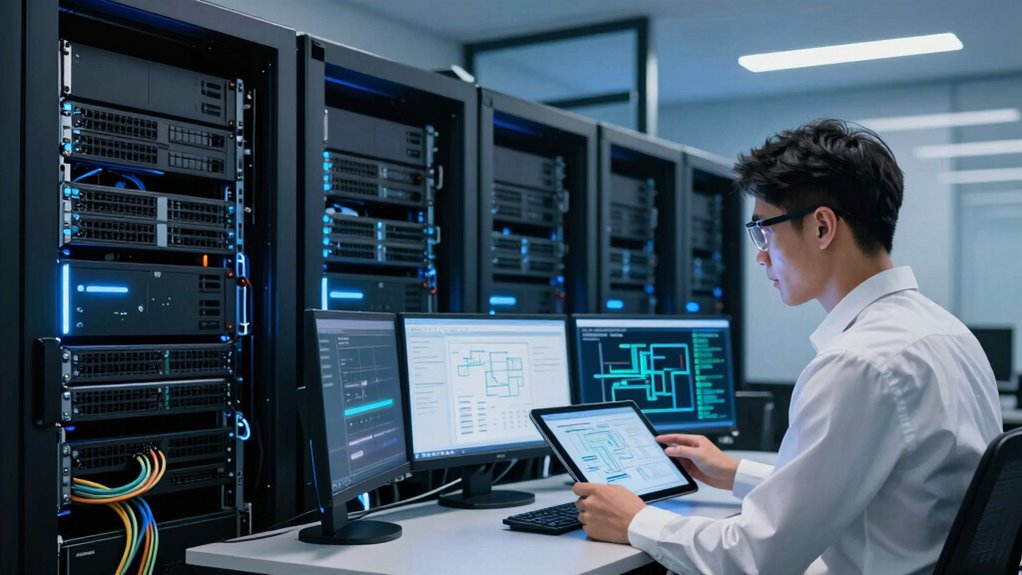
Migrating a Virtual Private Server (VPS) without causing downtime might seem intimidating, but with careful planning, it’s entirely achievable. The key is understanding how server virtualization can streamline the process, allowing you to move your services smoothly from one environment to another. Virtualization enables you to create an exact replica of your current server setup, making data synchronization between the old and new servers straightforward and reliable. By leveraging these technologies, you minimize the risk of disruption and guarantee your users experience seamless service throughout the migration.
Start by thoroughly evaluating your current server environment. Document your server’s configuration, including operating systems, applications, databases, and network settings. This preparation helps you identify potential compatibility issues early on. Next, set up your new VPS in a controlled environment, confirming it matches your existing setup as closely as possible. Utilize server virtualization to replicate your current server, creating a virtual machine that acts as a mirror. This approach simplifies data synchronization because you can keep the virtual environment updated with the latest data and configurations, reducing the chances of inconsistencies during the transfer.
Evaluate and document your server setup, then replicate it with virtualization for seamless migration.
Data synchronization is vital for a successful zero-downtime migration. Use robust tools and scripts to keep your data current between the source and target environments. During this phase, you’ll run the old and new servers in parallel, continuously syncing data to verify both are identical. This way, when the time comes to switch over, the new server already contains all recent data, and your users won’t notice any difference. As your data syncs, test the new environment thoroughly, verifying that all applications function correctly and that performance meets expectations. Understanding contrast ratio and its impact on image quality can help ensure your new server’s visual output remains sharp and clear during testing phases.
Once you’ve confirmed that your data is synchronized and your new VPS is fully configured, plan the final switch. Schedule it during a low-traffic period to minimize impact. At the designated time, redirect your DNS records or load balancer to point to the new server. Because your data was continuously synchronized, the switch is practically instant from the user’s perspective. Keep monitoring the new server closely after the migration, watching for any issues that may arise. If necessary, revert to the old server temporarily while resolving unforeseen problems.
VPS migration synchronization tools
As an affiliate, we earn on qualifying purchases.
As an affiliate, we earn on qualifying purchases.
Frequently Asked Questions
What Are Common Pitfalls During Zero-Downtime VPS Migration?
You might face common pitfalls like network congestion, which can cause delays or data loss during migration, and hardware compatibility issues that prevent seamless integration with the new VPS environment. To avoid these, you should monitor network traffic closely and verify hardware specifications beforehand. Failing to address these issues can lead to unexpected downtime or performance problems, undermining your goal of a zero-downtime migration.
How Do I Handle Data Consistency During Migration?
You handle data consistency during migration by prioritizing data synchronization—think of it as a high-stakes dance where every step must match perfectly. Use real-time replication tools to keep your data in sync across servers, and always have rollback procedures in place for emergencies. That way, if anything goes awry, you can revert seamlessly, ensuring your data stays consistent and your users never notice the chaos behind the scenes.
What Tools Are Best for Automating the Migration Process?
You should use tools like rsync or Unison for server synchronization, as they efficiently handle data transfer and keep your source and target servers in sync during migration. Scheduling your migration during off-peak hours minimizes disruptions. Automate the entire process with scripts or migration management tools such as Ansible or Puppet, which help coordinate tasks smoothly, ensuring minimal downtime and a seamless handover without overcomplicating the process.
How Can I Test the New Server Before Switching Over?
You can test your new server by configuring it with the same server settings and network optimization as your current setup. Set up a staging environment and use DNS or hosts file modifications to route traffic to the new server temporarily. This allows you to verify server configuration, performance, and network stability without affecting live users. Conduct thorough testing, including load testing, to guarantee everything functions smoothly before the final switch.
What Is the Estimated Downtime for a Typical Migration?
The estimate for migration downtime varies, but with careful planning, you might only face a few minutes of service interruption. Migration challenges often include unexpected delays or data inconsistencies, which can extend downtime. To minimize surprises, perform thorough testing and synchronization beforehand. Accurate downtime estimation hinges on your server size, data complexity, and network stability, so always prepare for some variability while aiming for the shortest possible interruption.
virtualization software for server cloning
As an affiliate, we earn on qualifying purchases.
As an affiliate, we earn on qualifying purchases.
Conclusion
Think of your migration as a delicate dance, where every step and pause guarantees the music plays on seamlessly. With careful planning and attention to detail, you’re the choreographer guiding your VPS smoothly across the stage without missing a beat. When you handle each move with patience and precision, the show goes on without a hitch — a performance that’s effortless and flawless, leaving your users applauding the seamless experience you’ve created.
As an affiliate, we earn on qualifying purchases.
server performance testing software
As an affiliate, we earn on qualifying purchases.
As an affiliate, we earn on qualifying purchases.
Halloween Picks
halloween
As an affiliate, we earn on qualifying purchases.