
To spot an IOPS bottleneck before it causes issues, monitor your storage performance for signs like increased latency, slow page loads, or frequent timeout errors. Use real-time tools to identify which applications or processes are demanding high I/O and track patterns across different times of day. Cloud integrations and scalable storage solutions can help prevent problems, but staying vigilant by reviewing metrics regularly is key. Keep paying attention, and you’ll discover more ways to protect your site’s performance.

Get business pricing on networking and server gear
- Business-only prices and quantity discounts
- Tax-exempt purchasing
- Multiple users, one account, clear invoices
Key Takeaways
- Monitor IOPS usage regularly to detect rising latency and slow response times early.
- Use real-time monitoring tools to identify specific processes causing high I/O demands.
- Observe patterns in IOPS performance linked to time-of-day or traffic spikes.
- Watch for increased page load times, timeout errors, and unusual server behavior as warning signs.
- Implement scalable cloud storage and redundancy to mitigate potential IOPS bottlenecks proactively.
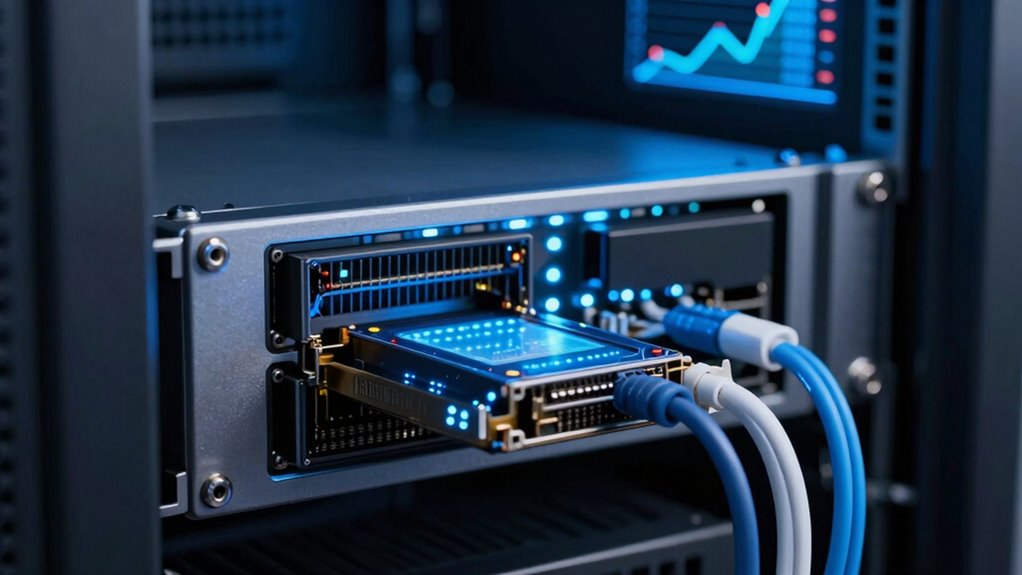
If your system performance slows down unexpectedly, it might be due to an IOPS bottleneck. Input/output operations per second (IOPS) measure how quickly your storage system can read and write data. When IOPS are maxed out, your entire site can grind to a halt, leading to slow load times, timeouts, and even data corruption. Recognizing the signs early allows you to address the issue before your site crashes. One of the first clues is increased latency in data retrieval, especially during peak traffic periods. You might notice that pages take longer to load, or transactions start timing out. These symptoms often point to an IOPS issue rather than network problems or server overloads alone. Implementing monitoring tools that track IOPS usage can help you detect these signs promptly. Cloud integration plays a pivotal role in managing IOPS bottlenecks. Cloud storage solutions often come with scalable IOPS, letting you adjust resources on the fly as your demand fluctuates. If you notice persistent bottlenecks, migrating to a cloud environment with higher IOPS capacity can resolve the problem. Additionally, cloud platforms often offer monitoring tools that give you real-time insights into IOPS usage, helping you pinpoint exactly when and where your bottleneck occurs. These tools enable you to see whether a specific application, process, or time of day is causing excessive I/O demands, allowing you to optimize or redistribute workloads accordingly. Proper storage architecture and data redundancy are another critical aspects of avoiding IOPS-related failures. Ensuring an efficient I/O pattern can significantly reduce bottlenecks and improve overall system performance. Regularly reviewing your storage performance metrics helps you identify potential issues before they impact your site. If your data isn’t properly backed up or replicated across multiple nodes, a bottleneck can lead to data loss or corruption during high demand. Implementing redundancy strategies ensures that even if one storage node becomes overwhelmed, your data remains accessible and intact from other nodes. This setup not only improves reliability but also balances I/O loads more evenly across your storage infrastructure. When combined with monitoring tools, redundancy strategies help you identify whether the bottleneck affects a specific data segment or system-wide, guiding you to implement targeted solutions.
Products Worth Considering

Apple MacBook Air 15-inch Laptop with M5 Chip, 24GB Memory, 1TB SSD, Midnight

Samsung 27-Inch Odyssey G5 QHD Gaming Monitor (G50F)

LG 27GR83Q-B 27-inch Ultragear QHD IPS Gaming Monitor
As an affiliate, we earn on qualifying purchases.
Frequently Asked Questions
Can IOPS Bottlenecks Affect Cloud-Based Applications Differently?
Yes, IOPS bottlenecks can affect cloud-based applications differently. In cloud architecture, high IOPS demand can slow down data replication processes, leading to delays and potential data inconsistencies. You might notice increased latency or degraded performance during peak times. Understanding these bottlenecks allows you to optimize resource allocation, ensuring your cloud applications run smoothly and data replication remains reliable, even under heavy workloads.
What Are Early Warning Signs of an Impending IOPS Issue?
You can spot early signs of an IOPS issue by monitoring storage queues; if they start to grow rapidly, it indicates your system is struggling to handle demand. Watch for data throttling, which slows down performance to prevent overloads. These signs suggest your storage is nearing its IOPS capacity, so addressing capacity or optimizing workload distribution now can prevent a full-blown bottleneck.
How Does SSD Versus HDD Impact IOPS Performance?
You’ll notice that SSDs outperform HDDs in IOPS performance because of their faster data access speeds. An SSD comparison clearly shows lower latency and higher throughput, making them ideal for demanding tasks. HDD limitations, like slower read/write speeds and mechanical parts, hinder IOPS efficiency. If your site needs quick data processing, switching to SSDs can markedly boost performance and reduce bottlenecks, ensuring smoother operation.
Are There Specific Tools for Real-Time IOPS Monitoring?
You can use tools like Iometer, Nagios, or SolarWinds for real-time IOPS monitoring, helping you track storage latency and data throughput. These tools provide live insights, allowing you to spot bottlenecks before they affect performance. While some focus on metrics like latency, others emphasize throughput. Combining their data helps you proactively manage your storage, ensuring your site stays responsive and efficient even under heavy loads.
How Do IOPS Bottlenecks Influence Overall System Latency?
IOPS bottlenecks directly impact your system latency by limiting disk throughput, causing delays in data processing. When queue depth increases beyond ideal levels, it signals that your disk can’t handle the workload efficiently, leading to longer wait times. This buildup results in higher system latency, slowing down your entire application. Monitoring queue depth and disk throughput helps you identify and address these bottlenecks before they severely degrade performance.
Conclusion
By staying savvy and spotting signs early, you prevent potential problems and preserve your site’s performance. Keep an eye on IOPS indicators, analyze anomalies, and address issues before they escalate. Don’t delay—deliberate detection delivers a dependable, dynamic digital domain. Remember, proactive monitoring and prompt action prevent disastrous downtime and data dilemmas. With vigilant vigilance and quick responses, you’ll keep your site soaring smoothly, staying steps ahead of any sneaky bottlenecks that threaten your tech territory.