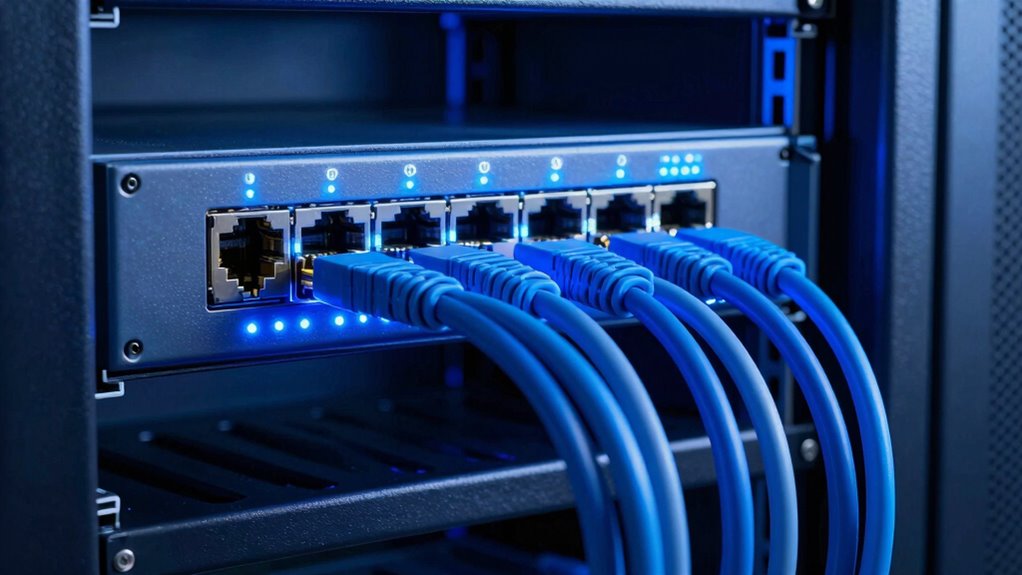

LACP helps your team maximize existing links by combining them into a single, high-capacity connection, boosting overall throughput without needing new hardware. It distributes traffic efficiently across all available links, preventing bottlenecks and improving network performance. Plus, it offers redundancy, so your connection stays reliable even if one link fails. This simplifies management, making scaling and troubleshooting easier. Keep exploring to discover how proper configuration can enable even greater benefits for your network.

Get business pricing on networking and server gear
- Business-only prices and quantity discounts
- Tax-exempt purchasing
- Multiple users, one account, clear invoices
Key Takeaways
- LACP combines multiple links into a single logical connection, increasing overall bandwidth without additional infrastructure costs.
- It enables automatic rerouting, ensuring continuous connectivity if one link fails, enhancing reliability.
- LACP simplifies network management by treating aggregated links as a single interface, easing troubleshooting and configuration.
- It supports scalable network growth by allowing easy addition of links without disrupting existing services.
- Proper LACP configuration maximizes link utilization, improves performance, and prevents bottlenecks in the network.
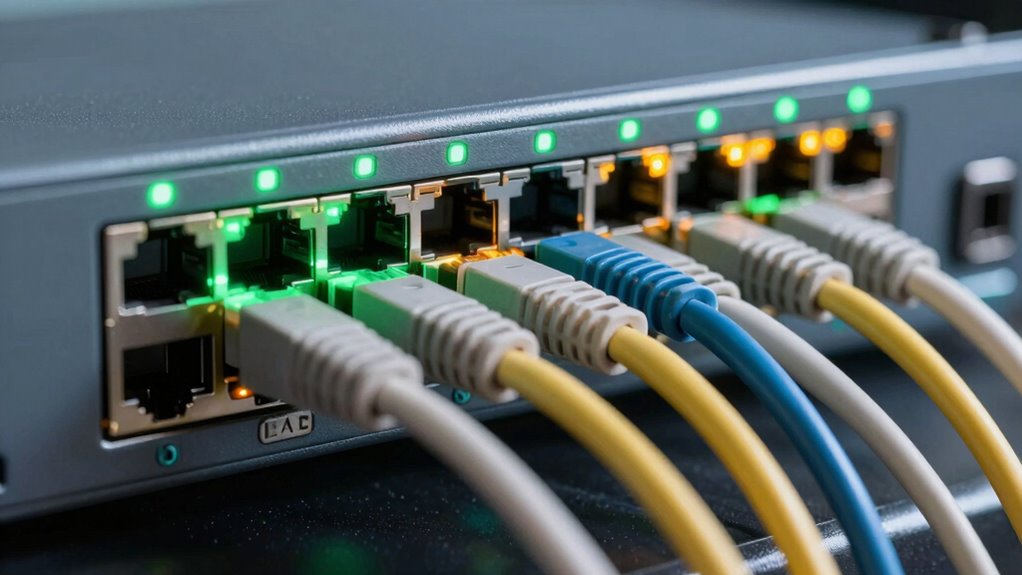
Ever wondered how network switches efficiently manage multiple connections to maximize bandwidth and guarantee redundancy? The answer lies in technologies like Link Aggregation Control Protocol (LACP), which plays a fundamental role in optimizing team link configurations. When you leverage LACP, you’re basically combining multiple physical links into a single logical connection, a process known as bandwidth aggregation. This approach allows your network to handle more data simultaneously, greatly boosting overall throughput without needing to upgrade your existing infrastructure. Instead of relying on a single link that could become a bottleneck, LACP distributes traffic across all available links, assuring efficient utilization of your available bandwidth.
But bandwidth isn’t the only benefit. LACP also enhances network redundancy. If one link within the team fails, the protocol automatically reroutes traffic through the remaining active links, maintaining seamless connectivity. This automatic failover minimizes downtime and keeps your network resilient against hardware failures or cable issues. In brief, LACP ensures that your team links are not just fast but also reliable. With proper configuration, it creates a resilient environment where your network can adapt dynamically to changing conditions, reducing the risk of disruptions. Additionally, dynamic link management helps ensure optimal performance and simplifies network adjustments. Properly configuring LACP is critical for achieving these benefits and maintaining a robust network infrastructure.
Moreover, when you implement LACP, it simplifies network management. Instead of manually configuring individual links, you can manage the entire team as a single logical interface. This abstraction makes it easier to troubleshoot issues, monitor performance, and scale your network as needed. If you need to add more links later, LACP supports dynamic link addition, making future upgrades straightforward without disrupting existing connections. This flexibility is essential in modern networks where agility and scalability are key. Network scalability plays a crucial role in ensuring your infrastructure remains adaptable as your needs grow, and understanding link aggregation protocols can further optimize your setup. Additionally, proper configuration practices are vital to fully harness the benefits of LACP and ensure a stable, efficient network.
As an affiliate, we earn on qualifying purchases.
Frequently Asked Questions
How Does LACP Improve Network Redundancy?
LACP improves network redundancy by combining multiple links into a single logical link through link aggregation. This setup allows load balancing across all active links, ensuring data flows smoothly even if one link fails. You benefit from increased reliability because traffic automatically reroutes over remaining links, minimizing downtime. With LACP, your network stays resilient, maintains performance, and avoids single points of failure, making your infrastructure more robust.
Can LACP Be Used With Any Network Hardware?
You can’t use LACP with any network hardware; compatibility depends on hardware support and vendor support. Check if your switches, routers, or servers support LACP before trying to set it up. Many modern devices do support it, but some older or less common hardware might not. Ensuring your equipment’s compatibility and vendor support is key to successfully implementing LACP and maximizing your link aggregation benefits.
What Are the Common Challenges When Implementing LACP?
You might face challenges like configuration complexity and compatibility issues when implementing LACP. Setting up LACP requires precise configuration on all devices, which can be intricate and time-consuming. Compatibility problems can also arise if network hardware or switches don’t fully support LACP standards. To avoid these issues, make sure all devices are compatible and follow best practices for configuration, simplifying the process and ensuring efficient link aggregation.
How Does LACP Affect Network Latency?
Like a skilled conductor, LACP orchestrates your network traffic, reducing latency and enhancing performance. It helps optimize bandwidth by bundling links, which minimizes delays caused by congestion. As a result, network latency drops, and data flows more smoothly. By efficiently managing link aggregation, LACP guarantees your network responds faster, providing a seamless experience for users and applications, all while maximizing existing resources without needing extra hardware.
Is LACP Suitable for All Types of Network Traffic?
LACP isn’t suitable for all types of network traffic, especially latency-sensitive or real-time data like voice or video. It excels at bandwidth aggregation and traffic prioritization for bulk data transfers, ensuring better utilization of existing links. However, for applications requiring minimal delay, you might need dedicated connections. So, evaluate your traffic types carefully before relying solely on LACP, as it benefits throughput but may not meet all latency demands.
network link aggregation hardware
As an affiliate, we earn on qualifying purchases.
As an affiliate, we earn on qualifying purchases.
Conclusion
Leveraging LACP leads to less lag, more link load, and ultimate uptime. By balancing bandwidth, boosting backup, and bundling bandwidth, you’ll build a better, brighter network. Don’t delay—deploy, distribute, and dominate with dynamic link aggregation. With LACP, you get greater growth, guaranteed gain, and a game-changing edge. So, step up your strategy, streamline your switches, and seize the superior, stable, and scalable connectivity that only LACP can deliver!
As an affiliate, we earn on qualifying purchases.
As an affiliate, we earn on qualifying purchases.
Fall Picks
fall essentials
As an affiliate, we earn on qualifying purchases.