
Before building storage, consider how hot-swap bays can improve system uptime and maintenance flexibility. Make sure your hardware supports hot-swapping and aligns with your storage strategy, like RAID configurations that protect data during failures. Pay attention to thermal management, including cooling and airflow, to prevent overheating. Think about the physical layout for easy access and effective monitoring. If you want to optimize your setup further, there’s more to explore on how these factors come together.

Get business pricing on networking and server gear
- Business-only prices and quantity discounts
- Tax-exempt purchasing
- Multiple users, one account, clear invoices
Key Takeaways
- Ensure hot-swap bays align with your storage strategy and support necessary RAID configurations for data protection.
- Verify hardware compatibility and system support to enable seamless hot-swapping without operational issues.
- Plan for adequate cooling and thermal management to prevent overheating of multiple active drives.
- Incorporate real-time monitoring tools and optimize physical layout for efficient airflow and maintenance access.
- Maintain spare drives and follow best practices for hardware reliability and quick replacement during failures.
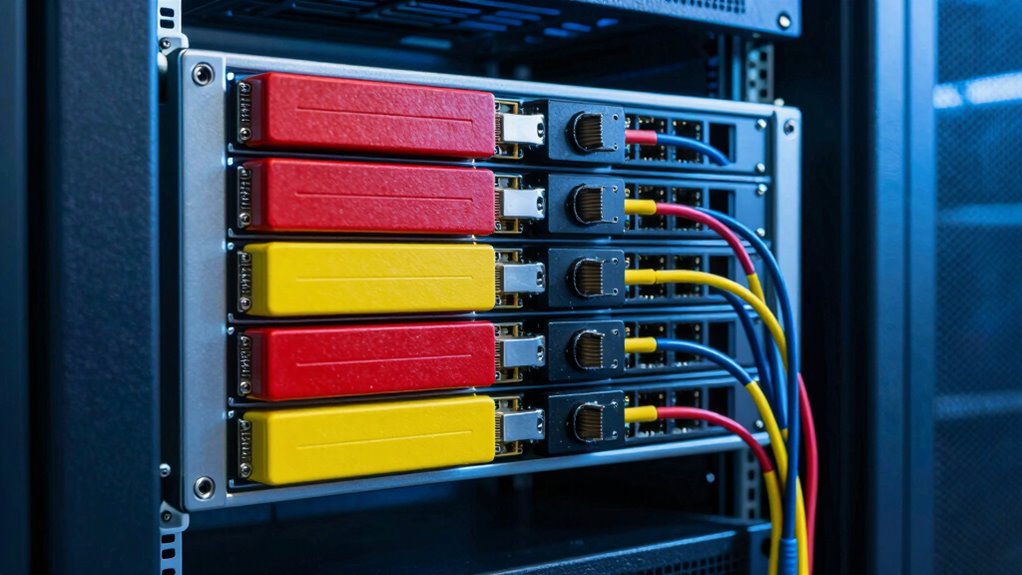
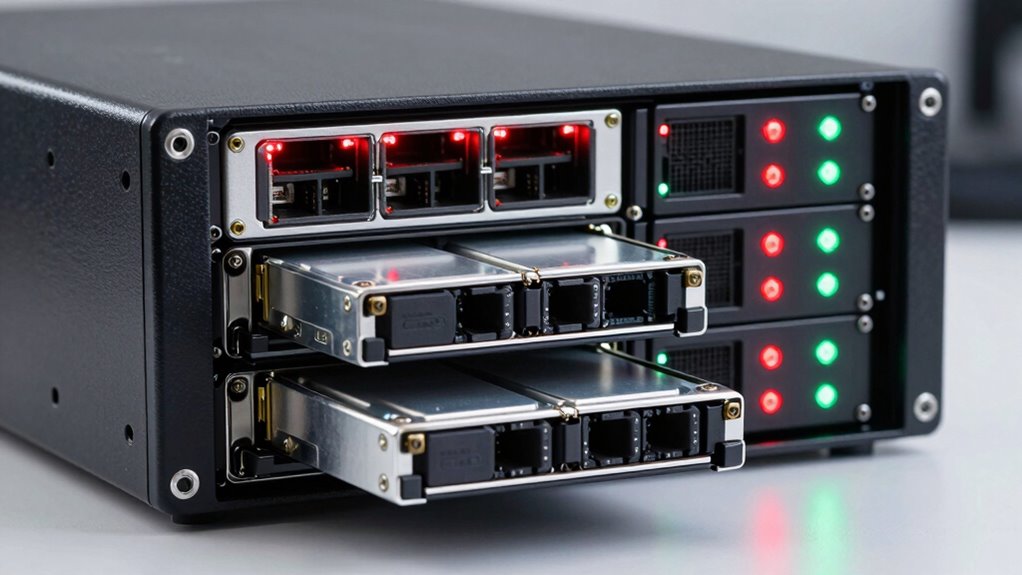
Hot-swap bays are a game-changer for managing storage in servers and workstations, allowing you to replace drives without shutting down the system. This flexibility means you can perform maintenance, upgrades, or replacements on the fly, minimizing downtime and keeping your operations running smoothly. But before you decide on hot-swap bays, you need to consider how they fit into your overall storage strategy, especially with regard to redundancy planning and cooling considerations.
Hot-swap bays enable seamless drive replacement, minimizing downtime—consider storage strategy, redundancy, and cooling for optimal performance.
Redundancy planning is essential when implementing hot-swap bays. You want to ensure that your data remains protected even if a drive fails. This typically involves using RAID configurations that support hot swapping, like RAID 5 or RAID 10, which facilitate drive replacement without data loss. Proper redundancy planning also means having spare drives ready to swap in when needed, and making sure your system’s hardware supports seamless hot-swapping. Without a solid plan, you risk losing data or experiencing downtime if a drive fails unexpectedly. Understanding system compatibility can help ensure that your hardware will support the hot-swapping features effectively. Additionally, considering hardware specifications can help align your setup with best practices for reliable hot-swap operation.
Cooling considerations are equally important. Hot-swap bays generate additional heat, especially when multiple drives are active simultaneously. If your cooling system isn’t designed to handle this increased thermal load, you might see higher temperatures that could impair drive lifespan or lead to hardware failures. When planning your setup, ensure your server case or workstation has adequate airflow, and consider adding extra fans if necessary. This helps maintain a stable temperature environment, protecting your drives and other components. Proper cooling isn’t just about keeping things comfortable; it’s about preventing overheating that could compromise your entire storage system. Additionally, understanding thermal management strategies can help optimize airflow and cooling efficiency, prolonging the lifespan of your drives. Incorporating thermal monitoring tools can provide real-time insights into temperature fluctuations and help prevent overheating issues before they occur. Furthermore, considering physical layout can enhance both cooling effectiveness and ease of access during maintenance.
Products Worth Considering

LG UltraGear 27-inch QHD OLED Gaming Monitor, 240Hz, 0.03ms, G-SYNC Compatible, FreeSync Premium Pro, HDMI 2.1, DisplayPort 1.4, Black

Samsung Odyssey G9 QD-OLED 49 Dual QHD Curved Gaming Monitor

LG UltraGear 32-inch Curved QHD Gaming Monitor (2560×1440, 180Hz, 1ms, 1000R, HDR10)
As an affiliate, we earn on qualifying purchases.
Frequently Asked Questions
Can Hot-Swap Bays Support SSDS and HDDS Simultaneously?
Yes, hot-swap bays can support both SSDs and HDDs simultaneously, but you need to take into account drive redundancy and power management. Make sure your server’s controller and backplane handle mixed drives efficiently, and verify that power supplies can support the combined load. Proper drive redundancy ensures data safety if a drive fails, while effective power management prevents overheating and ensures reliable operation across different drive types.
What Are the Compatibility Considerations for Different Server Models?
You need to check your server model’s firmware compatibility to guarantee it supports hot-swap bays correctly, especially with different drive types. Power supply considerations are essential too; verify that your power supply can handle additional drives and their power demands. Some servers may have specific bay configurations or firmware requirements, so review your manufacturer’s documentation for compatibility details to avoid issues during upgrades or drive replacements.
How Does Hot-Swap Bay Size Affect Storage Capacity?
Hot-swap bay size acts like a vessel for your storage needs, directly influencing capacity. Larger bays can hold more drives, boosting your storage potential, but they also demand better thermal management to prevent overheating. Drive redundancy becomes essential, as bigger bays often house multiple drives, which means safeguarding data amid potential drive failures. Choose a bay size that balances capacity, cooling, and redundancy to keep your storage environment reliable and efficient.
Are There Specific Maintenance Protocols for Hot-Swap Bays?
Yes, you should follow specific maintenance protocols for hot-swap bays. Always handle drives carefully, avoiding static damage, and guarantee redundant power is connected to prevent downtime during replacements. Regularly check environmental monitoring systems to track temperature, humidity, and airflow, which helps prevent overheating. Before swapping drives, power down the system if required, and verify that the new drive is properly seated. These practices keep your storage system reliable and efficient.
What Are the Cost Implications of Incorporating Hot-Swap Bays?
Adding hot-swap bays can increase your initial costs due to specialized hardware and enhanced security features, impacting your budget. However, they improve energy efficiency by reducing downtime and maintenance, which saves money long-term. Also, hot-swap bays enhance data security by allowing quick replacements without exposing systems to risks. While upfront expenses are higher, the operational efficiencies and security benefits often justify the investment.
Conclusion
So, next time you’re building storage, remember—hot-swap bays seem like a lifesaver, but don’t forget they’re also a potential nightmare waiting to happen. It’s almost comical how we chase convenience only to discover the quirks and pitfalls later. Think of hot-swaps as the shiny new toy—exciting, until you realize it’s just another layer of complexity. Ultimately, a little planning now can save you a world of trouble when things inevitably go wrong.