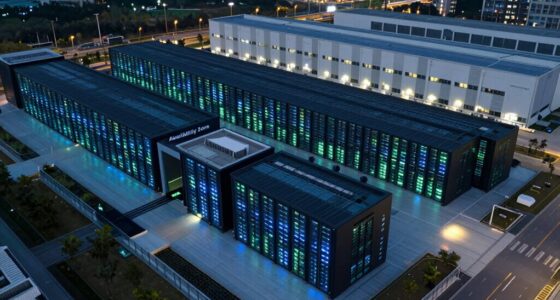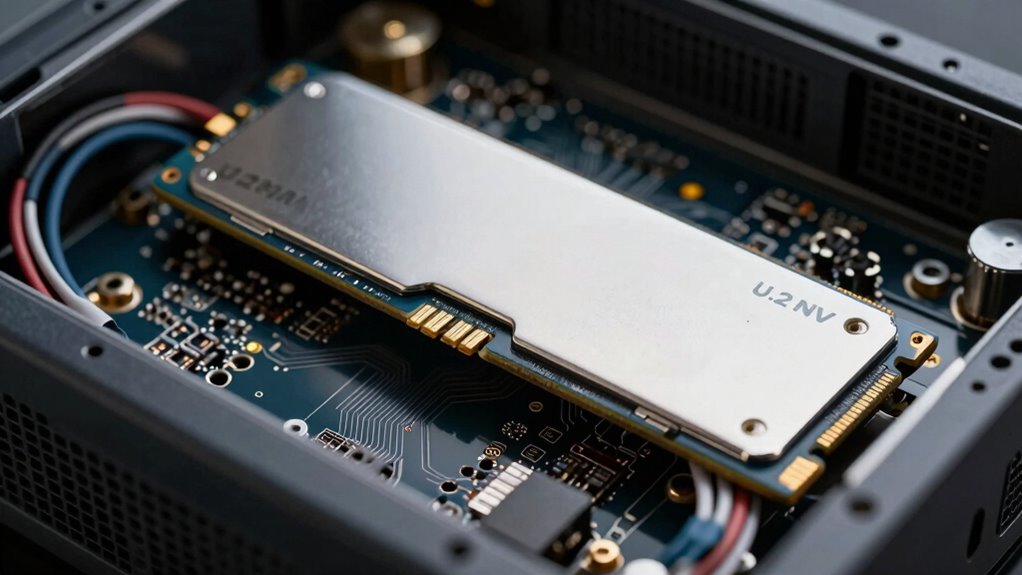

U.2 NVMe SSDs in server builds deliver rapid data transfer speeds and boost system responsiveness, helping you handle large files, applications, and virtual machines efficiently. They support high workloads, especially in data centers, with benefits like reducing bottlenecks and improving overall performance. However, managing heat and ensuring compatibility are vital for best operation. If you’re curious about how these drives impact your system’s durability and setup, there’s more to discover as you explore further.

Get business pricing on networking and server gear
- Business-only prices and quantity discounts
- Tax-exempt purchasing
- Multiple users, one account, clear invoices
Key Takeaways
- High-speed data transfer improves overall server responsiveness and reduces bottlenecks in data-intensive workloads.
- Hot-swappable design allows maintenance without server downtime, enhancing operational flexibility.
- Proper thermal management is essential to prevent overheating, maintain performance, and extend drive lifespan.
- Compatibility with server architectures and PCIe support ensures optimal installation and performance.
- Enterprise-grade U.2 SSDs provide durability for heavy workloads and support large file processing.
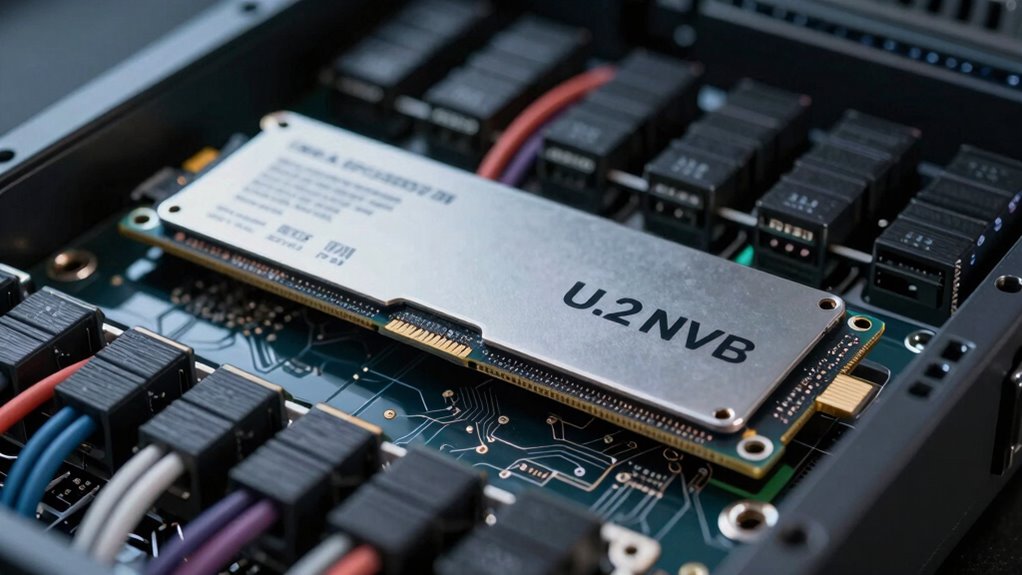
U.2 NVMe SSDs are increasingly popular choices for server builds because they deliver high-speed data transfer and improved reliability. When you’re designing a server, these drives can substantially enhance performance, especially in data centers or enterprise environments where speed matters. The key advantage of U.2 NVMe SSDs lies in their ability to handle rapid data transfer rates, which means your server can process large files, run applications, or support multiple virtual machines more efficiently. This high throughput reduces bottlenecks and accelerates overall system responsiveness, giving you a tangible boost in productivity.
U.2 NVMe SSDs boost server performance with fast data transfer and enhanced reliability for demanding enterprise environments.
However, with great performance comes the challenge of heat management. U.2 NVMe SSDs operate at high speeds, generating substantial heat that, if unmanaged, can lead to thermal throttling and reduced lifespan. You need to carefully consider your server’s cooling solutions to maintain ideal operating temperatures. Proper heat sinks or active cooling mechanisms become essential, especially when deploying multiple drives in a dense configuration. Without adequate heat management, the drives may throttle down their performance to prevent overheating, which undermines the very speed benefits you’re aiming for. Guaranteeing proper airflow within your server chassis, along with heatsinks designed for U.2 drives, helps keep temperatures in check, preserving both performance and longevity. Additionally, understanding the connectivity options and ensuring compatibility with your motherboard or server backplane is vital to maximize data transfer speeds and system stability. An understanding of thermal management strategies is crucial for maintaining optimal drive performance over time.
Another factor you should keep in mind is how U.2 SSDs connect to your system. They typically use PCIe lanes, which means you’ll want to verify that your motherboard or server backplane supports the necessary bandwidth. This connectivity not only supports high-speed data transfer but also impacts heat dissipation strategies. The physical design of U.2 drives allows them to be hot-swappable, adding flexibility in maintenance and upgrades without shutting down the server, but this also means you should plan for proper thermal management during operation. Proper planning for system architecture can significantly influence the overall performance and reliability of your storage setup. Furthermore, choosing drives with enterprise-grade quality can enhance the durability and longevity of your server storage, especially under constant heavy workloads. Additionally, considering thermal solutions specifically designed for high-density drive configurations can further optimize heat dissipation.
As an affiliate, we earn on qualifying purchases.
Frequently Asked Questions
Are U.2 NVME SSDS Compatible With All Server Motherboards?
U.2 NVMe SSDs aren’t compatible with all server motherboards. You need to check if your motherboard has U.2 ports or compatible connectors, as compatibility issues can arise otherwise. These drives offer high data transfer speeds, but without the right slots or adapters, they won’t work. Always verify your motherboard’s specifications to guarantee seamless integration, avoiding potential compatibility issues and maximizing performance.
How Do U.2 NVME SSDS Impact Overall Server Power Consumption?
U.2 NVMe SSDs can increase your server’s power consumption by around 20-30%, but they boost performance markedly. Their energy efficiency improves with proper thermal management, as heat impacts power use and longevity. Keeping drives cool minimizes energy waste and maintains ideal operation. So, while they do use more power, effective thermal management ensures your server runs efficiently without unnecessary energy costs.
What Are the Cost Differences Between U.2 NVME SSDS and Other Storage Options?
You’ll find U.2 NVMe SSDs typically cost more upfront than SATA SSDs but offer better data transfer speeds, making them more cost-efficient for high-performance needs. Compared to traditional HDDs, they’re pricier but deliver faster access times and improved reliability. While their initial investment is higher, their efficiency in data transfer can reduce operational costs over time, providing a good balance between performance and overall cost efficiency.
Can U.2 NVME SSDS Be Hot-Swapped in Server Environments?
Yes, U.2 NVMe SSDs can be hot-swapped in server environments, but you should check your server’s firmware updates and hardware specifications first. Hot-swapping allows you to replace drives without shutting down the system, which helps maintain uptime and data security. Just make certain your server supports this feature and follow proper procedures to prevent data loss or hardware damage during the process.
How Do U.2 NVME SSDS Affect Server Cooling Requirements?
Ever wonder how U.2 NVMe SSDs impact your server’s cooling? They can increase thermal management challenges because they generate significant heat during operation. To prevent overheating, you need to optimize airflow within your server, ensuring proper cooling and ventilation. Strategically placing fans and using heat sinks can help maintain temperature stability, so your server runs efficiently without thermal throttling or hardware failures. Proper cooling is essential for reliable performance.
As an affiliate, we earn on qualifying purchases.
Conclusion
In the end, U.2 NVMe SSDs can truly boost your server’s performance and reliability. They offer fast data access, easy upgrades, and better endurance, making them a smart choice for demanding environments. Remember, “a chain is only as strong as its weakest link”—so investing in quality storage strengthens your entire system. Weigh your needs carefully, and U.2 NVMe SSDs could be the missing piece to optimize your server’s potential.
server U.2 NVMe SSD cooling solutions
As an affiliate, we earn on qualifying purchases.
As an affiliate, we earn on qualifying purchases.
As an affiliate, we earn on qualifying purchases.
Halloween Picks
halloween
As an affiliate, we earn on qualifying purchases.