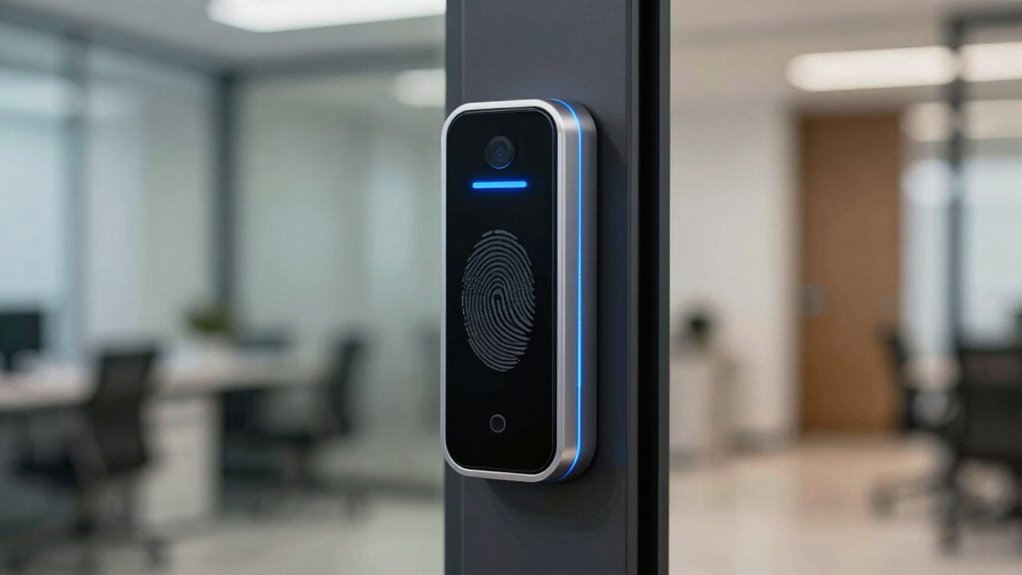

Biometric access control isn’t a magic solution because it’s vulnerable to hardware tampering, data breaches, and outdated software. If you rely solely on biometrics, you leave gaps that hackers can exploit through hardware modifications or insecure transmission. To truly protect your systems, you need layered security measures, regular updates, and monitoring. Stay aware of these risks so you can strengthen your security—there’s more to take into account if you want effective protection.

Get business pricing on networking and server gear
- Business-only prices and quantity discounts
- Tax-exempt purchasing
- Multiple users, one account, clear invoices
Key Takeaways
- Biometric systems can be compromised through hardware tampering or sensor manipulation, not just by user impersonation.
- Insecure storage or transmission of biometric data makes systems vulnerable to breaches and data theft.
- Relying solely on biometrics ignores other security layers, such as multi-factor authentication and encryption.
- Hardware vulnerabilities, like tampered sensors or hardware trojans, can undermine biometric security.
- Continuous updates and layered security strategies are essential; biometrics alone cannot guarantee complete protection.
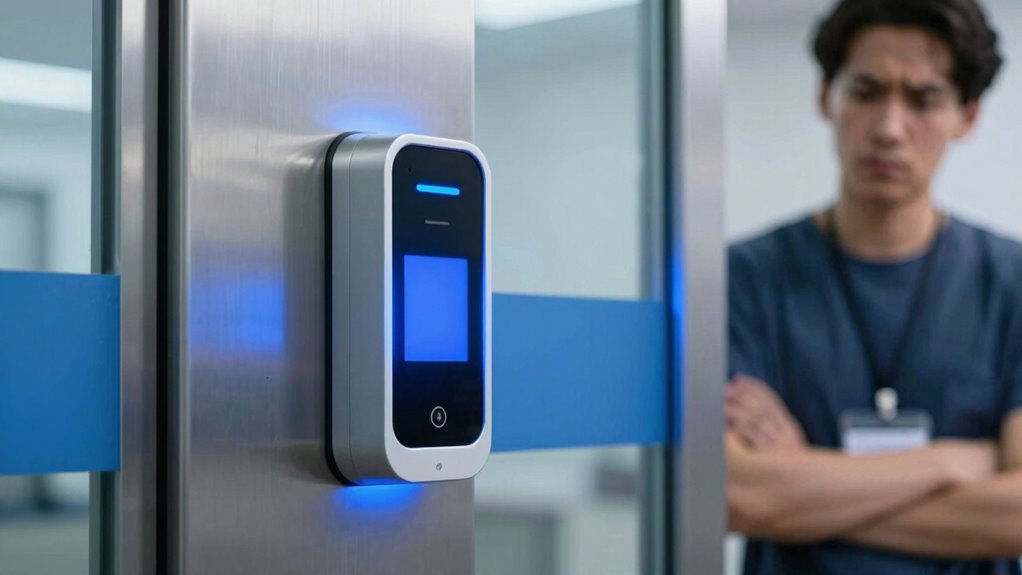
You might think that biometric authentication eliminates the risks associated with passwords, but it doesn’t erase the vulnerabilities tied to hardware. Hardware vulnerabilities in biometric devices can be exploited through various means. For example, attackers could manipulate the sensors or hardware components to bypass the system altogether. There are documented cases where malicious actors have inserted hardware trojans or tampered with biometric scanners, rendering the security ineffective. These vulnerabilities highlight that biometric systems require rigorous hardware security measures and ongoing monitoring to prevent exploitation.
Hardware vulnerabilities in biometric devices can be exploited through tampering and malicious modifications, compromising overall security.
Beyond hardware concerns, biometric systems are also susceptible to certain digital threats. For instance, if biometric data is stored insecurely or transmitted without proper encryption, it can be intercepted or stolen. Unlike passwords, biometric traits cannot be changed once compromised, making data breaches particularly damaging. Even if your biometric data is stored securely, the system’s overall security depends on the integrity of the entire infrastructure. If there’s a weak link—say, vulnerable network protocols or outdated software—attackers can gain access to sensitive information or manipulate the system.
It’s tempting to think that biometric access control can replace traditional security layers, but that’s rarely the case. Combining biometrics with other security measures, like multi-factor authentication, encrypted data storage, and regular system updates, is essential. Relying solely on biometric data ignores the fact that vulnerabilities like password exploits and hardware tampering still exist. In addition, understanding hardware vulnerabilities in biometric devices helps you appreciate the importance of securing the entire system. Recognizing these hardware vulnerabilities is crucial for developing a comprehensive security strategy that addresses potential entry points for attackers. Implementing hardware security measures can significantly reduce the risk of tampering or exploitation. Knowing how hardware flaws can be exploited underscores the need for a layered security approach. In the end, biometric security should be viewed as part of a layered approach rather than a standalone solution.
While biometric access control significantly enhances security, it’s not infallible. Recognizing its limitations—especially concerning password vulnerabilities and hardware vulnerabilities—helps you make smarter decisions about your security infrastructure. No matter how advanced the technology, attackers will always look for ways to exploit weaknesses. Staying vigilant, implementing multiple security layers, and continuously updating your systems are the best ways to ensure your sensitive information remains protected.
biometric access control hardware security
As an affiliate, we earn on qualifying purchases.
As an affiliate, we earn on qualifying purchases.
Frequently Asked Questions
Can Biometric Data Be Hacked or Stolen?
Yes, biometric data can be hacked or stolen if proper security measures aren’t in place. Protecting biometric privacy is essential, so organizations use data encryption to secure sensitive information. However, no system is completely foolproof. You should be aware that hackers constantly find new ways to bypass security, so relying solely on biometrics isn’t enough. Combining biometric access with other security layers offers better protection for your data.
What Happens if Biometric Systems Malfunction?
If biometric systems malfunction, you might face delays or locked access, which can feel like hitting a brick wall. During such issues, user authentication becomes difficult or impossible, forcing you to rely on backup methods. Privacy concerns also escalate if the system mishandles your data during failures. It is crucial to have alternative security measures in place, because relying solely on biometrics leaves you vulnerable when technology glitches happen.
Are Biometric Systems Vulnerable to False Positives?
Yes, biometric systems can be vulnerable to false positives, where they incorrectly grant access to unauthorized individuals. These false positive vulnerabilities highlight the importance of regular security audits to identify and mitigate such risks. You should guarantee your biometric systems are properly calibrated and integrated with other security measures. Relying solely on biometrics isn’t enough; a thorough security approach helps prevent potential breaches caused by false positives.
How Is Biometric Data Stored and Protected?
You might think your biometric data is invincible, but it’s stored using encryption protocols and data anonymization techniques, making it harder for hackers to access. However, even with these safeguards, vulnerabilities remain if protocols are weak or improperly implemented. So, while your biometric info is protected behind layers of security, don’t forget that no system is completely foolproof—irony at its finest in digital security.
Can Biometric Access Be Easily Bypassed or Spoofed?
Biometric authentication can be bypassed or spoofed with enough effort, especially if systems lack advanced anti-spoofing measures. Hackers might use fake fingerprints or facial images to trick the system, making privacy concerns a real issue. While biometric access adds security layers, it’s not foolproof. You should combine it with other security practices to protect sensitive data, understanding that no single method guarantees complete safety.
multi-factor authentication devices
As an affiliate, we earn on qualifying purchases.
As an affiliate, we earn on qualifying purchases.
Conclusion
Remember, even the strongest lock can be picked, and no security system is foolproof. Biometric access control offers convenience and advanced security, but it’s not a magic fix. Stay vigilant, use layered security measures, and don’t rely solely on biometrics. As the saying goes, “Don’t put all your eggs in one basket.” By understanding its limitations, you can better protect what matters most and avoid false confidence in a single solution.
As an affiliate, we earn on qualifying purchases.
hardware tamper-proof biometric scanners
As an affiliate, we earn on qualifying purchases.
As an affiliate, we earn on qualifying purchases.
Fall Picks
fall essentials
As an affiliate, we earn on qualifying purchases.