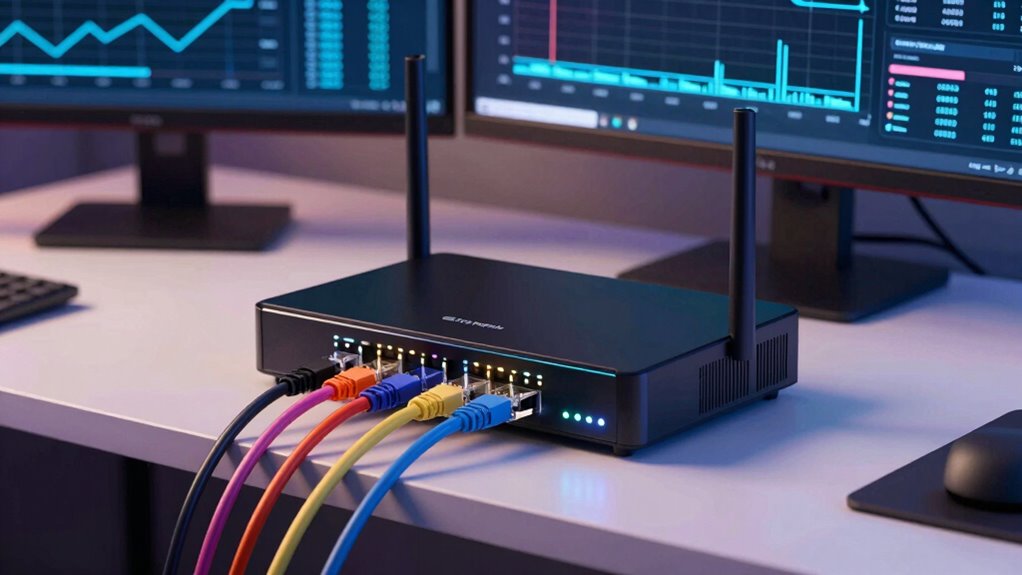

A Dual-WAN router offers more value than just a faster single line because it provides reliable internet through network redundancy and load balancing. You can prevent downtime, optimize bandwidth, and boost performance even during peak usage. It also adds security and flexibility, letting you choose different providers or connection types. This setup guarantees your connection stays stable and efficient, making it a smart investment. Keep going to discover how it can transform your network experience.
Key Takeaways
- Dual-WAN routers provide network redundancy, ensuring continuous connectivity even if one internet line fails.
- They optimize performance by load balancing traffic, preventing overloads during peak usage.
- Combining multiple connections offers better cost-efficiency than investing in a single, faster line.
- They enhance security and flexibility by allowing diverse provider options and configurations.
- Overall, they deliver more reliable, stable, and efficient internet access than a faster single connection.
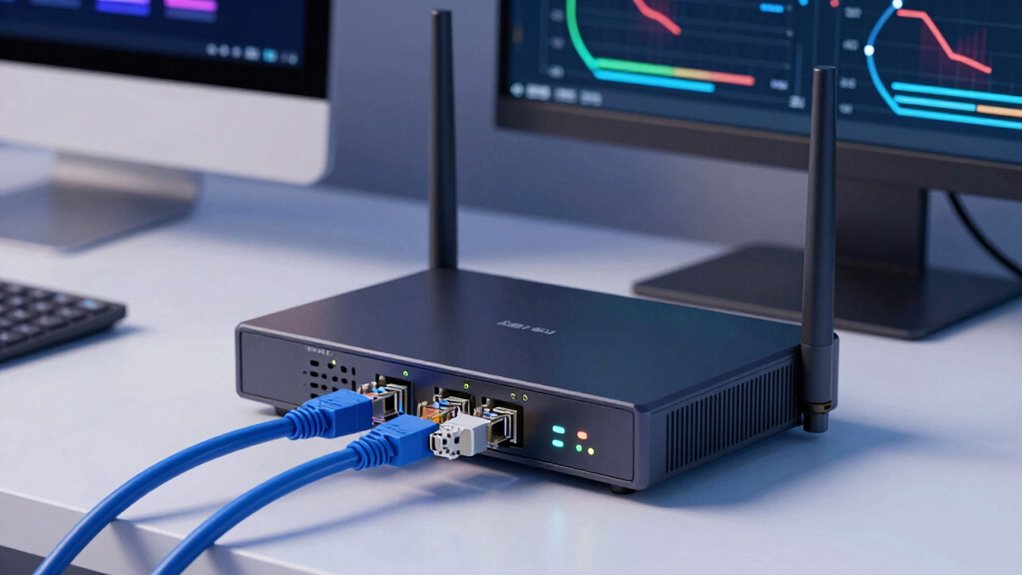
A dual-WAN router offers a smart solution for enhancing your network’s reliability and performance. Instead of relying on a single internet connection, it allows you to connect two separate lines, providing built-in network redundancy. This means if one connection drops or experiences issues, your network stays up and running smoothly through the other. It’s a proactive way to avoid downtime, especially if your work depends on constant connectivity. When it comes to network reliability, dual-WAN routers shine because they prevent interruptions that can cost you time, money, and productivity.
Beyond just keeping your network online, a dual-WAN router excels in load balancing. This process distributes your network traffic across both internet connections, optimizing bandwidth usage. Instead of one line becoming overwhelmed during high-demand periods, the router intelligently splits the load, ensuring faster speeds and smoother performance. You might notice quicker downloads, less buffering during streaming, and more responsive online applications. Load balancing effectively maximizes your available bandwidth, making a single, faster line seem less crucial when you can harness two connections simultaneously.
Many people overlook the value of these features in favor of faster single-line internet plans. However, a dual-WAN router offers a more balanced approach—combining reliability with performance. You get the peace of mind knowing your network remains stable even if one connection encounters issues. Plus, during peak usage times, your network benefits from the aggregated bandwidth, often outperforming a single, higher-speed connection. This means you don’t have to pay extra for a super-fast line when you can leverage multiple connections to achieve better overall performance.
Another advantage is cost-efficiency. Instead of investing in a single, expensive, high-speed line, you can combine two more affordable connections to get similar or better results. Additionally, if you’re running a business or managing a critical network, dual-WAN routers provide an extra layer of security. With network redundancy built-in, your operations stay uninterrupted, reducing potential losses from connectivity failures. This setup also offers flexibility—you can choose different providers or types of internet connections, like fiber and LTE, for even greater resilience. Understanding network redundancy can help you appreciate the full benefits of this setup.
In essence, a dual-WAN router isn’t just about speed; it’s about smarter, more reliable connectivity. By enabling network redundancy and load balancing, it ensures your network remains stable and efficient under various conditions. It’s a practical investment that can outperform a faster single line, especially if uptime and consistent performance matter to you. Whether for business or personal use, choosing a dual-WAN router means you’re prioritizing dependability and optimal network use over simply chasing higher speeds. Recognizing internet connection types can help you make informed decisions about your setup.

TP-Link ER605 V2, Wired Gigabit VPN Router
- Five Gigabit Ports: Includes 1 WAN, 2 WAN/LAN, 2 LAN ports
- USB WAN Port: Supports 4G/3G mobile broadband backup
- Security Features: Firewall, DoS defense, filtering, speed test
As an affiliate, we earn on qualifying purchases.
As an affiliate, we earn on qualifying purchases.
Frequently Asked Questions
Can a Dual-Wan Router Improve Gaming Performance?
Yes, a dual-WAN router can improve your gaming performance. It manages bandwidth effectively, ensuring your gaming traffic gets priority and reducing lag. Additionally, it provides network redundancy, so if one connection drops, your game stays connected through the other. This setup offers a more stable and consistent gaming experience, especially if you have multiple internet sources, making it worth considering for serious gamers.
How Easy Is It to Set up Dual-Wan Routing?
Setting up dual-WAN routing is fairly straightforward if you follow your router’s instructions. You’ll configure network redundancy and load balancing by connecting two internet sources and adjusting settings in the admin panel. Many modern routers offer simple interfaces and guided setup wizards, making it easy for you to guarantee continuous connectivity and optimize bandwidth. With a bit of effort, you can enjoy seamless network performance and added reliability.
Is Dual-Wan Suitable for Small Businesses or Only Enterprises?
Sure, dual-WAN routers are just for big enterprises, right? Actually, they’re perfect for small businesses too. You might think only enterprise solutions need redundancy, but a small business benefits from it just as much—keeping your internet running smoothly during outages or heavy traffic. It’s a smart investment that offers reliability and scalability, proving dual-WAN setups aren’t exclusive to large organizations—they’re a wise choice for any business needing dependable connectivity.
What Are the Main Security Concerns With Dual-Wan Routers?
Your main security concerns with dual-WAN routers involve managing network redundancy and firewall configuration. You need to guarantee that failover doesn’t expose vulnerabilities or create gaps in security. Properly configuring firewalls for each connection prevents unauthorized access, while monitoring redundancy helps you avoid potential network breaches during switchovers. If you neglect these safeguards, your network could face increased risks of intrusion or data loss.
Does Dual-Wan Routing Increase Overall Internet Speed?
Studies show dual-WAN setups can boost internet reliability by up to 30%. While they don’t necessarily increase raw speed, they improve overall performance through bandwidth prioritization and load balancing techniques. By distributing traffic across multiple connections, you experience fewer slowdowns and better resource management, especially during peak times. This setup guarantees you get a more consistent, efficient internet experience, making it worth considering even if your single line is fast.
TP-Link ER605 V2, Wired Gigabit VPN Router
- Five Gigabit Ports: Includes 1 WAN, 2 WAN/LAN, 2 LAN ports
- USB WAN Port: Supports 4G/3G mobile broadband backup
- Security Features: Firewall, DoS defense, filtering, speed test
As an affiliate, we earn on qualifying purchases.
As an affiliate, we earn on qualifying purchases.
Conclusion
A dual-WAN router can boost your network’s reliability considerably—studies show that businesses using dual-WAN setups experience 60% fewer outages compared to single-line systems. With your internet connection staying active even if one line drops, you won’t miss critical emails or calls. So, investing in a dual-WAN router isn’t just about speed; it’s about peace of mind. After all, in today’s connected world, staying online isn’t optional—it’s essential.

Amazon eero 6 mesh wifi router – Supports internet plans up to 900 Mbps, Coverage up to 1,500 sq. ft., Connect 75+ devices, 1-pack
- Whole-Home Wi-Fi 6 Coverage: Covers up to 1,500 sq. ft.
- High-Speed Internet Support: Supports up to 900 Mbps
- Eliminates Dead Spots: TrueMesh technology reduces drop-offs
As an affiliate, we earn on qualifying purchases.
As an affiliate, we earn on qualifying purchases.

Omada ER707-M2, Multi-Gigabit VPN Route
- Flexible Port Configuration: Multiple high-speed WAN and LAN ports
- High-Performance Network Capacity: Supports 500,000 concurrent sessions
- Cloud Management: Remote access via Omada app and cloud
As an affiliate, we earn on qualifying purchases.
As an affiliate, we earn on qualifying purchases.