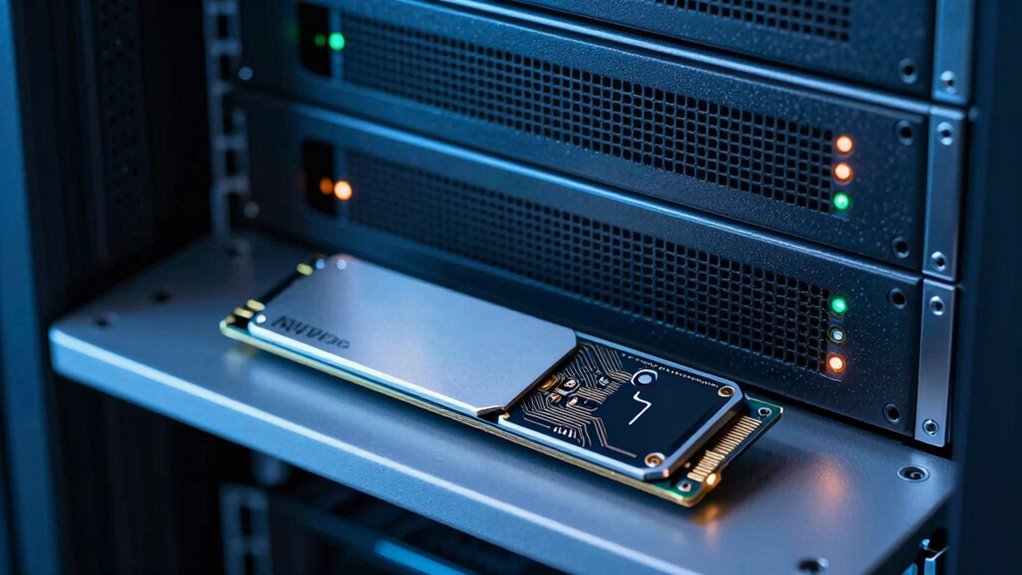

Block storage and local NVMe serve different needs because they prioritize different aspects of data management. Block storage is designed for scalable, secure cloud environments, handling large data volumes across multiple servers with built-in encryption. In contrast, local NVMe offers ultra-fast, low-latency access within a single server, ideal for high-performance workloads like real-time analytics. Knowing these differences helps you choose the right solution for your specific applications—there’s more to discover if you keep exploring.

Get business pricing on networking and server gear
- Business-only prices and quantity discounts
- Tax-exempt purchasing
- Multiple users, one account, clear invoices
Key Takeaways
- Block storage offers scalable, network-accessible storage suitable for cloud environments, while NVMe provides ultra-fast, low-latency local access for high-performance workloads.
- Block storage balances security and scalability across multiple servers, whereas NVMe focuses on speed within a single server.
- NVMe excels in demanding tasks like real-time analytics and high-speed databases, unlike block storage, which is optimized for large-scale, secure cloud data management.
- Security features differ: block storage integrates encryption for data at rest and in transit, while NVMe’s security relies on hardware/software controls within the server.
- Infrastructure choices depend on workload needs: block storage for flexibility and scale, NVMe for minimal latency and rapid data processing.
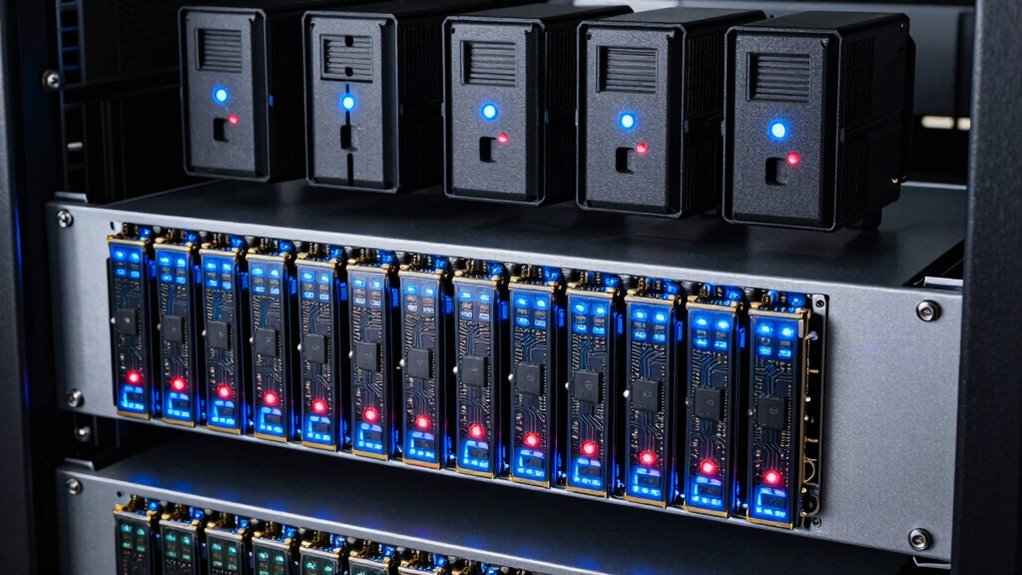
While both block storage and local NVMe deliver fast data access, they address different performance and scalability needs. If you’re managing cloud workloads, understanding this distinction helps you choose the right solution for your specific requirements. Block storage, often used in cloud environments, excels when you need scalable storage that can grow with your applications. It’s designed to handle large volumes of data across multiple servers, making it ideal for cloud scalability. You can easily expand your storage capacity without disrupting ongoing operations, which is vital for dynamic cloud environments. Additionally, block storage often comes with built-in data encryption features, ensuring your data remains protected both at rest and during transmission. This security aspect makes it suitable for sensitive applications where compliance and data privacy are priorities. When you rely on block storage, you’re leveraging a solution that balances performance with security, making it a dependable choice for enterprise-level cloud deployments.
On the other hand, local NVMe drives are optimized for ultra-fast, low-latency access to data within a single server or a close-knit set of hardware components. If your work involves high-performance computing tasks, real-time analytics, or database operations that require rapid data processing, local NVMe is your best option. Its speed surpasses traditional storage options, enabling you to execute demanding workloads with minimal delays. Unlike block storage, NVMe doesn’t inherently support cloud scalability — its primary strength lies in providing immediate, high-speed access to data within a confined environment. This makes it less suitable for scalable cloud architectures but perfect for applications needing quick, direct access to data. Since NVMe drives are physically attached to the server, security measures like data encryption are typically managed at the hardware or software level within that server, providing control over how encryption keys are handled and ensuring data confidentiality during high-speed operations. Recognizing the hardware limitations of NVMe drives can help you better match them to suitable workloads for optimal performance.
Furthermore, understanding the differences between storage types can help you optimize your infrastructure for both performance and security. For instance, the technologies used in NVMe drives can significantly impact their speed and efficiency, making them ideal for demanding workloads. In essence, you choose block storage when you need a flexible, scalable, and secure storage solution that can be accessed over a network, especially in cloud environments. Conversely, if your priority is raw speed for localized workloads, local NVMe offers unparalleled performance. Both solutions address different facets of data management: one focusing on scalability and security for cloud use, and the other on speed and low latency for intensive, localized tasks. Understanding these differences allows you to align your storage infrastructure with your specific performance needs and security standards, ensuring you get the most out of your hardware investments.
Products Worth Considering

Sonos Era 100 SL Compact Microphone-Free Speaker, Black

Bose QuietComfort Wireless Noise-Cancelling Over-Ear Headphones, Black

Sony WH-1000XM4C Wireless Noise-Cancelling Headphones, Black
As an affiliate, we earn on qualifying purchases.
Frequently Asked Questions
How Does Cost Differ Between Block Storage and NVME Solutions?
You’ll find that NVMe solutions generally cost more upfront due to their high performance and low latency, while block storage often uses a predictable pricing model based on capacity and usage. Performance tradeoffs matter: NVMe delivers faster speeds but at a premium, whereas block storage offers a more economical option for less demanding workloads. Your choice depends on balancing cost against the performance your applications require.
What Are the Scalability Limitations of Local NVME?
You might face scalability limitations with local NVMe because performance bottlenecks can occur as you add more drives, due to increased data traffic and thermal constraints. Hardware compatibility also becomes a concern, since not all systems support multiple NVMe drives or their high-speed interfaces. Additionally, expanding storage often requires significant hardware upgrades, which can hinder seamless scalability and limit your ability to grow storage capacity efficiently.
How Do Data Security Features Compare Between the Two?
You’ll find that data security features differ markedly between block storage and local NVMe. Block storage often includes advanced data encryption and access control, allowing you to protect data at rest and control who can access it remotely. In contrast, local NVMe typically relies on the security measures of the host system, offering less built-in encryption and access control, so you might need to implement additional security layers for sensitive data.
Can Both Solutions Be Used Together Effectively?
Yes, you can use both solutions together effectively in a hybrid deployment. Combining block storage with local NVMe allows you to optimize performance for high-speed data access while maintaining scalable, flexible storage. You’ll benefit from performance optimization with NVMe’s low latency, while block storage handles larger, less latency-sensitive data. This setup balances speed and capacity, giving you a versatile, efficient infrastructure tailored to diverse workload needs.
What Are the Best Use Cases for Each Storage Type?
You should use block storage for data redundancy and cost-effective scalability, especially in enterprise environments, ensuring your data stays protected. Local NVMe excels in performance optimization, providing lightning-fast access for applications like databases and high-performance computing. With NVMe, you get minimal latency and maximum throughput, perfect for real-time processing. Combining both allows you to balance redundancy and speed, tailoring storage solutions to your specific workload needs.
Conclusion
So, next time you’re debating between block storage and local NVMe, remember—what solves one problem might create another. You might think you’re getting the perfect setup, but in reality, you’re just choosing the lesser of two evils. Ironically, the very solution that promises speed could also introduce complexity, while the other offers simplicity at a cost. Ultimately, understanding their differences helps you pick what truly fits your needs—because no single solution is perfect.