
Proprietary virtualization stacks, like VMware or Hyper-V, embed tightly integrated hypervisors with closed-source, vendor-specific features, offering polished interfaces and strong security. Open-source options like KVM and Xen provide transparent code, flexible customization, and broader hardware compatibility, often at lower costs. Management tools vary from rich commercial platforms to flexible open-source scripts, affecting automation and scalability. Understanding these tech stack differences helps you choose the right solution, and exploring further reveals how architecture impacts performance, security, and flexibility.
Key Takeaways
- Proprietary virtualization uses closed-source hypervisors integrated with vendor-specific hardware and management tools.
- Open-source virtualization embeds hypervisors into the Linux kernel, offering full source code access and customization.
- Proprietary stacks emphasize polished integration and vendor support, while open-source stacks focus on flexibility and community-driven development.
- Hardware support varies: proprietary solutions often provide tightly integrated hardware compatibility; open-source solutions prioritize cross-platform standards.
- Management tools differ, with proprietary platforms offering extensive GUI and APIs, whereas open-source solutions rely on open tools like Ansible and Terraform.
Core Components and Architecture Differences
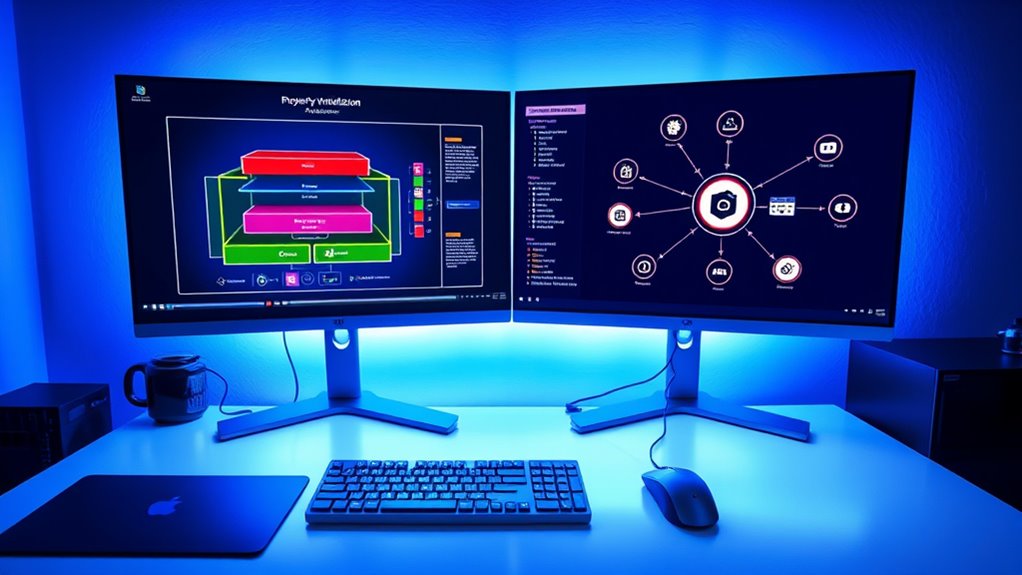
Proprietary and open-source virtualization platforms differ markedly in their core components and architecture. You’ll find that proprietary systems, like VMware ESXi or Hyper-V, use Type 1 hypervisors tightly integrated with vendor-specific kernels, offering a streamlined, controlled environment. These platforms keep their source code hidden to protect intellectual property, preventing users from seeing or modifying the underlying architecture. In contrast, open-source solutions, such as KVM, embed the hypervisor directly into the Linux kernel, providing native support within Linux environments. They grant full access to source code, enabling transparency and community-driven customization. While proprietary architectures focus on polished integration and vendor control, open-source platforms prioritize openness, flexibility, and the ability to adapt or extend core components according to your needs. Additionally, diverse designs in open-source virtualization enable tailored solutions and foster innovation through community collaboration, often facilitating easier integration with other open-source tools. A key advantage of open-source virtualization is the ability to leverage a large community for ongoing support and development, which can accelerate innovation and troubleshooting.
Performance Optimization and Hardware Support

Performance optimization and hardware support in virtualization depend heavily on the specific workloads and configurations you choose. Your workload type influences which hypervisor performs best, as no single option dominates all scenarios. For example, Hyper-V offers superior disk performance for Windows VMs through native support, while open-source hypervisors like KVM in Proxmox excel in Linux environments, delivering better network throughput and CPU efficiency. Hardware compatibility varies: open-source solutions often support cross-platform standards, increasing flexibility, while proprietary systems provide tightly integrated hardware support that may limit hardware choices. Customization and regular updates are key to optimizing performance, regardless of the stack. Balancing workloads, allocating resources effectively, and upgrading hardware when necessary ensure you maximize virtualization performance and support your infrastructure’s evolving demands. Additionally, understanding the support and compatibility of different hypervisors helps in selecting the best solution for your hardware environment. To achieve optimal results, it is crucial to consider performance tuning practices tailored to each virtualization platform.
Management Tools and Automation Capabilities

Management tools and automation capabilities vary considerably across virtualization platforms, shaping how easily you can control and scale your environment. Your choice impacts automation complexity, integration, and overall efficiency. For example, VMware vSphere offers a feature-rich GUI, CLI, PowerShell, and extensive API support, enabling seamless automation and integration. Microsoft Hyper-V uses PowerShell, DSC, and SCVMM for policy management and scaling within Windows ecosystems. Nutanix AHV integrates with Calm and Prism Central for application automation and multi-cluster orchestration. KVM-based solutions rely on open-source tools like Ansible and Terraform, emphasizing flexibility. Proxmox VE provides REST API, CLI, and external tool integrations, though with a less extensive orchestration ecosystem.
- Rich GUI, CLI, and API support (VMware vSphere)
- PowerShell, DSC, and SCVMM for Hyper-V
- Nutanix Prism and Calm for automation
- Open-source tools like Ansible and Terraform for KVM
- REST API and CLI for Proxmox VE
Security Measures and Isolation Techniques
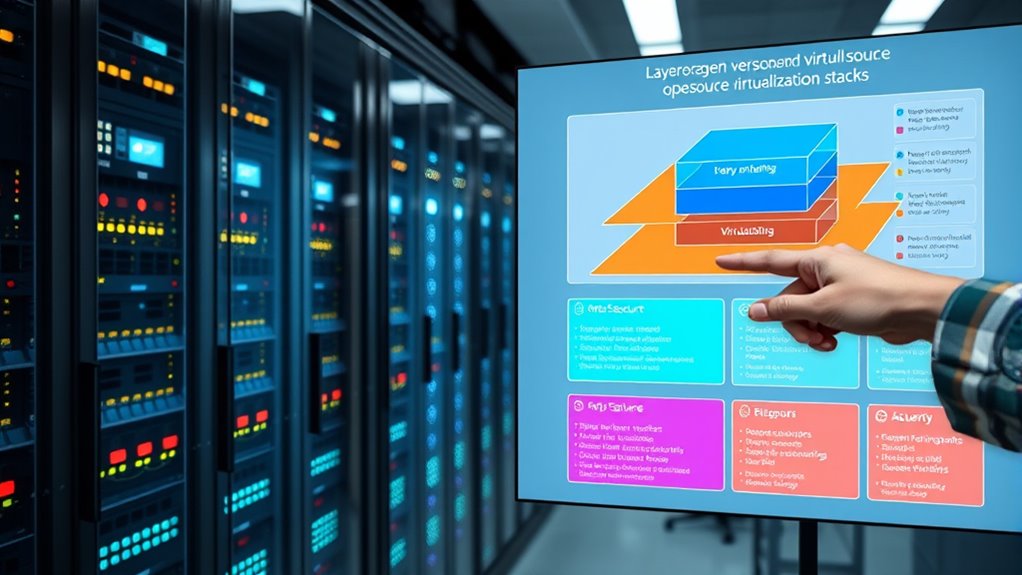
Security measures and isolation techniques in virtualization environments are essential for protecting workloads and maintaining operational integrity. Proprietary hypervisors like VMware ESXi enforce strict VM isolation through a trusted hypervisor layer, preventing interference and attacks. Open-source hypervisors such as KVM and Xen rely on CPU virtualization extensions and software policies but lack built-in proprietary hardening. Both models isolate resources like CPU, memory, and storage to ensure operational autonomy. Micro-segmentation, especially in proprietary stacks like VMware NSX, offers fine-grained network isolation. Open-source solutions often require extra setup, like Linux namespaces or iptables, to reach similar levels. Additionally, open-source environments benefit from community support that can lead to rapid identification and mitigation of vulnerabilities. Security best practices are crucial in both environments to further reduce potential attack surfaces. Implementing monitoring and logging strategies further enhances security by providing continuous oversight and quick detection of anomalies. Employing vulnerability management processes can help identify and remediate potential security flaws proactively.
Cost Implications and Ecosystem Flexibility

Open-source virtualization typically costs less upfront because it has minimal or no licensing fees, allowing you to cut ongoing expenses. You won’t pay for licenses, and migrating away from proprietary solutions can avoid costly hidden migration fees, like consulting or downtime. However, consider that open-source may require separate costs for commercial support or community help. Assessing ongoing costs is essential to understand the total cost of ownership. Proprietary platforms often bundle support and updates into licensing fees, but restrict flexibility through closed-source code and licensing restrictions. Additionally, collaborative innovation driven by open-source communities can accelerate development cycles and introduce new features more rapidly. Incorporating free tools and resources from the open-source ecosystem can further reduce expenses and enhance customization options. Staying informed about industry trends can help organizations make better decisions when choosing between proprietary and open-source solutions.
Frequently Asked Questions
How Do Proprietary and Open-Source Stacks Handle Multi-Cloud or Hybrid Cloud Deployments?
You see that proprietary stacks, like VMware, streamline multi-cloud deployments with centralized management tools, but often come with higher costs and lock-in. Open-source stacks, such as OpenStack, offer vendor-agnostic, flexible orchestration across hybrid environments, encouraging customization. While open-source solutions may demand more expertise, they allow you to integrate diverse cloud resources under a unified management plane, often at a lower cost.
What Are the Differences in Disaster Recovery and Backup Solutions Between the Two Approaches?
You’ll find proprietary solutions offer seamless, integrated disaster recovery and backup with vendor support, automated workflows, and certified compatibility, making setup easier but possibly limiting flexibility. Open-source options, however, give you more customization and control, relying on third-party tools or community support, which requires more technical expertise. While open-source can reduce costs and increase flexibility, it necessitates ongoing maintenance and internal resources to guarantee reliable DR and backups.
How Do Licensing Models Affect Long-Term Scalability and Upgrade Paths?
Licensing models are the backbone of your scalability and upgrade paths. Proprietary licenses act like chains, limiting how freely you grow and evolve, often requiring additional costs for scaling or new features. Open-source solutions are more like open fields—offering unrestricted growth and easier upgrades without extra fees. With proprietary models, you might face vendor lock-in, while open-source gives you flexibility to adapt as your needs change, ensuring smoother long-term expansion.
What Are the Compatibility Considerations With Existing Legacy Hardware and Software?
You need to consider how virtualization supports your legacy hardware and software. Make sure your virtualization platform can run older OS and applications without rewrites, using solutions like embedded virtualization or hardware virtualization tools. Check compatibility with your existing network protocols and hardware appliances, and look for integrated SDN options. This approach helps maintain business continuity, reduces costs, and simplifies migration, all while preserving your legacy investments in a modern, flexible environment.
How Do Community Support and Vendor Support Compare in Terms of Responsiveness and Expertise?
Think of community support as a bustling marketplace—vibrant, diverse, but sometimes unpredictable—offering quick tips from enthusiasts and experts, yet responses can vary. Vendor support, on the other hand, is like a well-oiled machine—reliable, structured, and consistent, with trained professionals ready to respond swiftly and accurately. If you need rapid, dependable help, vendor support often wins; for innovative workarounds and shared expertise, community support shines.
Conclusion
Ultimately, choosing between proprietary and open-source virtualization is like finding the perfect fit for your needs. While proprietary options offer polished features and dedicated support, open-source solutions provide flexibility and community-driven innovation. Think of it as picking a favorite flavor—each has its own charm. Whichever path you take, just remember, the right technology stack can make your virtual environment smoother and more enjoyable, blending performance with peace of mind.