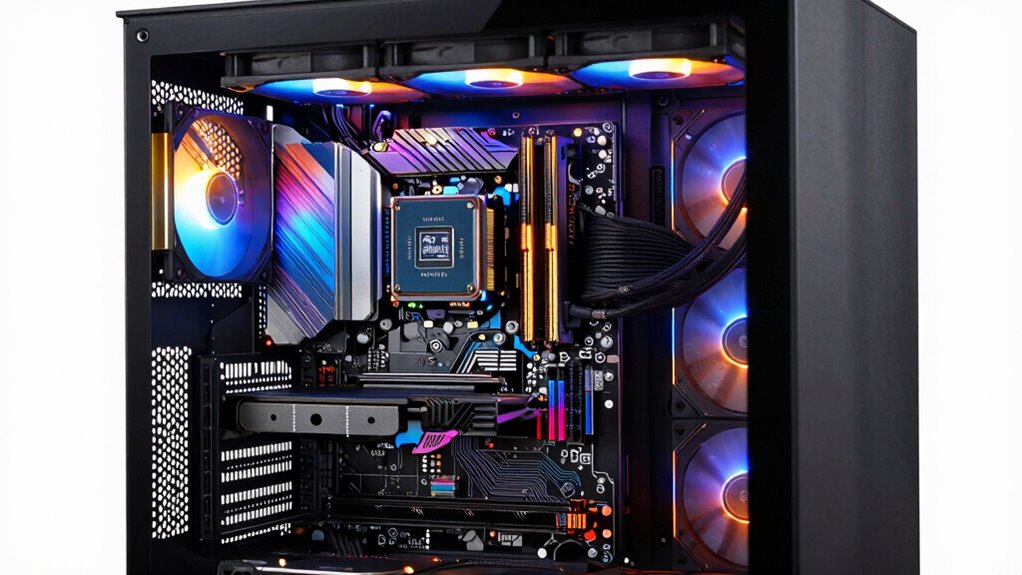

If you handle heavy parallel workloads, Threadripper workstations are a smart choice because they deliver high multi-core and multi-threading performance, allowing you to run multiple demanding tasks simultaneously without slowdown. Their robust architecture supports large datasets and intensive rendering, while expanded storage options keep data flow smooth. Plus, their scalability means you can upgrade hardware as your needs grow. Keep exploring to discover even more ways these workstations boost your productivity and future-proof your projects.

Get business pricing on networking and server gear
- Business-only prices and quantity discounts
- Tax-exempt purchasing
- Multiple users, one account, clear invoices
Key Takeaways
- High core counts and multi-threading enable efficient processing of demanding parallel workloads.
- Robust architecture minimizes bottlenecks, ensuring smooth multitasking and faster project completion.
- Scalable storage and high bandwidth support large datasets and rapid data transfer.
- Expandability options allow future hardware upgrades for evolving workload demands.
- Designed for sustainability, supporting long-term growth with eco-friendly and adaptable features.
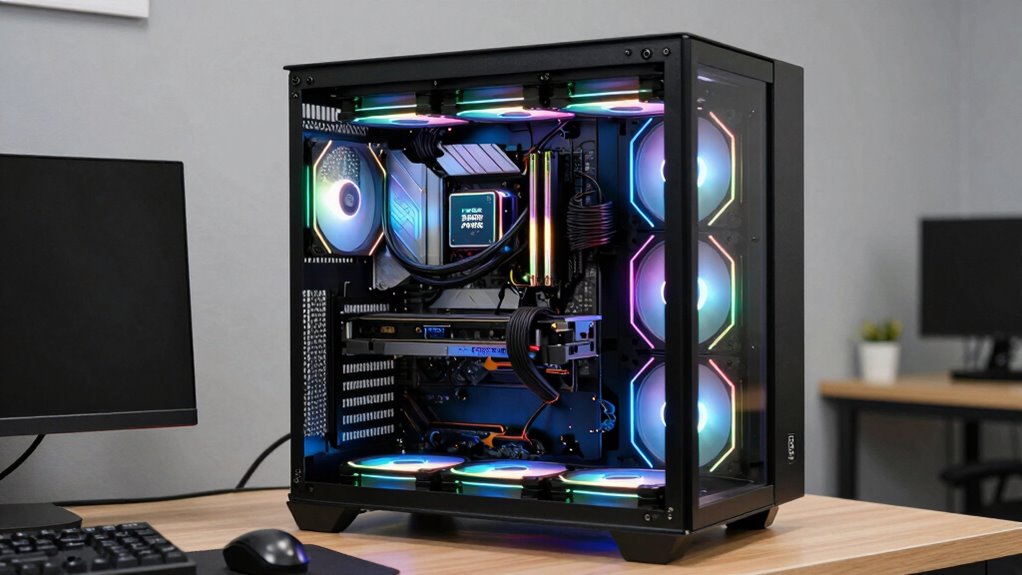
When tackling demanding workloads, choosing the right workstation can make all the difference, and AMD’s Threadripper series stands out as a top choice for heavy-duty tasks. If you’re building a system that handles complex computations, large datasets, or intensive rendering, the robust multi-core architecture of Threadripper gives you a significant edge. Its high core count and multi-threading capabilities enable you to run parallel processes smoothly, reducing bottlenecks and speeding up your workflow. This makes it ideal for tasks that require substantial GPU acceleration, such as 3D rendering, video editing, or scientific simulations, where multiple processes need to work in tandem without slowing down.
Storage optimization is another key benefit of Threadripper workstations. With support for multiple NVMe drives and high-capacity storage configurations, you can configure your system to access large datasets swiftly, minimizing data transfer times. This is especially important when working with heavy workloads that involve real-time data processing or large file operations. The architecture allows for numerous storage devices to be connected simultaneously, guaranteeing your system remains responsive even under heavy load. Efficient storage management not only accelerates your work but also helps prevent bottlenecks that can occur in less capable systems. Additionally, the platform’s high bandwidth ensures quick data access and transfer speeds, further enhancing performance. Incorporating scalable hardware options ensures your workstation can grow with your project demands. Moreover, the platform’s expandability features make it easier to adapt your setup as your requirements evolve, providing a long-term solution for demanding tasks. Furthermore, understanding these biodiversity and conservation principles can inspire innovative ways to make technology more sustainable and eco-friendly in the long run.
Products Worth Considering

LG UltraGear 27-inch QHD OLED Gaming Monitor, 240Hz, 0.03ms, G-SYNC Compatible, FreeSync Premium Pro, HDMI 2.1, DisplayPort 1.4, Black

Logitech MX Mechanical Wireless Illuminated Keyboard, Clicky Switches

Bose QuietComfort Wireless Noise-Cancelling Over-Ear Headphones, Twilight Blue
As an affiliate, we earn on qualifying purchases.
Frequently Asked Questions
How Do Threadripper Workstations Compare to Enterprise-Grade Servers?
You find that Threadripper workstations offer impressive GPU acceleration and high core counts, making them excellent for heavy parallel tasks. Compared to enterprise-grade servers, they’re more cost-effective and easier to upgrade, but might have higher power consumption and less optimized for continuous, large-scale workloads. While servers excel in scalability and reliability, Threadrippers strike a balance between performance and affordability for demanding creative and engineering tasks.
What Are the Best Cooling Options for Threadripper Workstations?
You should consider liquid cooling for your Threadripper workstation if you want superior thermal performance and quieter operation, especially under heavy loads. It efficiently manages high temperatures and overclocking. Alternatively, air cooling with high-quality heatsinks and fans offers a reliable, budget-friendly option, providing good airflow and cooling capacity. Both options keep your CPU cool, but liquid cooling excels in extreme performance scenarios, while air cooling suits everyday use.
Can Threadripper Handle Real-Time Rendering Efficiently?
You’re in luck—Threadripper can handle real-time rendering efficiently, especially when paired with GPU acceleration and optimized software. It’s a case of hitting two birds with one stone, as the high core count and multithreading power speed up rendering tasks. Just guarantee your software leverages GPU acceleration well, and your workstation will breeze through real-time rendering, making your workflow smoother and more efficient.
What Storage Configurations Optimize Performance for Heavy Workloads?
To optimize performance for heavy workloads, you should use high-speed SSD configurations combined with RAID setups. Implementing NVMe SSDs in RAID 0 or 10 boosts read/write speeds and offers redundancy, minimizing downtime. This setup guarantees rapid data access and reliable storage, which is essential for demanding tasks like rendering or scientific computing. Carefully balancing SSD capacity and RAID type helps you maximize performance while maintaining data security.
Are There Compatibility Issues With Certain Motherboard Brands?
Did you know over 85% of builders report fewer compatibility issues when choosing well-known motherboard brands? You won’t face significant problems with motherboard compatibility if you stick to trusted brands like ASUS, MSI, or Gigabyte. These manufacturers prioritize reliability and extensive support, reducing the risk of compatibility issues. Always double-check the motherboard’s specifications and verify it supports your specific Threadripper model for seamless performance.
Conclusion
So, next time you think bigger is just about adding more power, remember that Threadripper workstations prove you’re actually embracing chaos—more cores, more threads, more everything. Who knew that juggling endless parallel tasks could be so satisfying? In the end, it’s almost poetic: the more you overload it, the more it just keeps going. Sometimes, the true art is in how much you can throw at it before everything finally crashes—if it ever does.