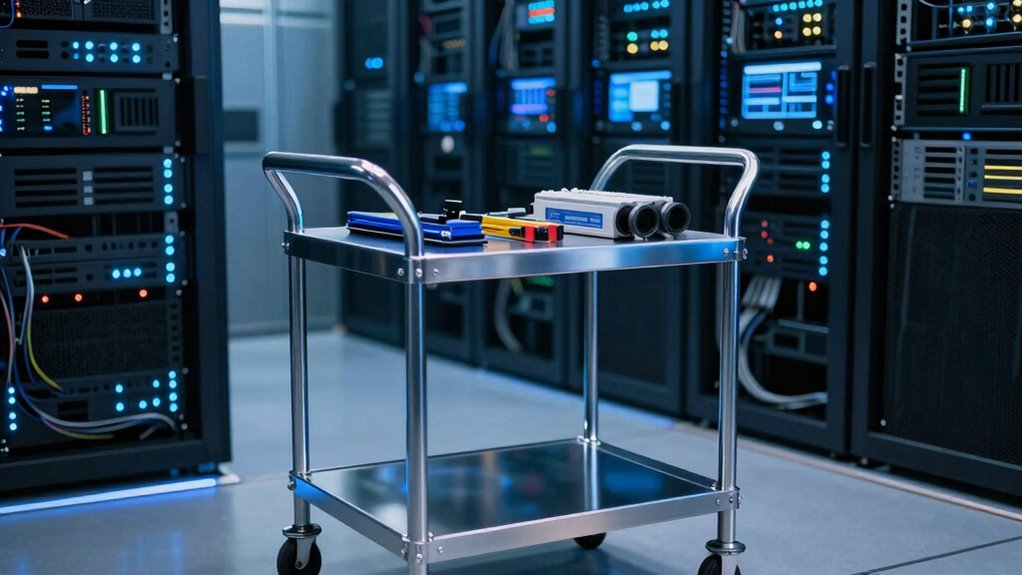

Datacenter crash carts still earn their floor space because they give you quick access to hardware for repairs and diagnostics that remote management can’t handle alone. When equipment fails or needs immediate troubleshooting, you need hands-on tools and parts within reach. They help you minimize downtime and respond faster during emergencies. Knowing their importance can make a difference in keeping your systems running smoothly—stick around to discover how to make your crash carts even more effective.

Get business pricing on networking and server gear
- Business-only prices and quantity discounts
- Tax-exempt purchasing
- Multiple users, one account, clear invoices
Key Takeaways
- Enable rapid hardware replacement and troubleshooting during emergencies, minimizing downtime.
- Bridge the gap between remote management limitations and the need for physical access.
- Support disaster preparedness by providing quick access to essential tools and parts.
- Improve maintenance efficiency through organized, well-stocked carts that reduce search time.
- Address hardware failure patterns proactively with ready-to-use replacement components.
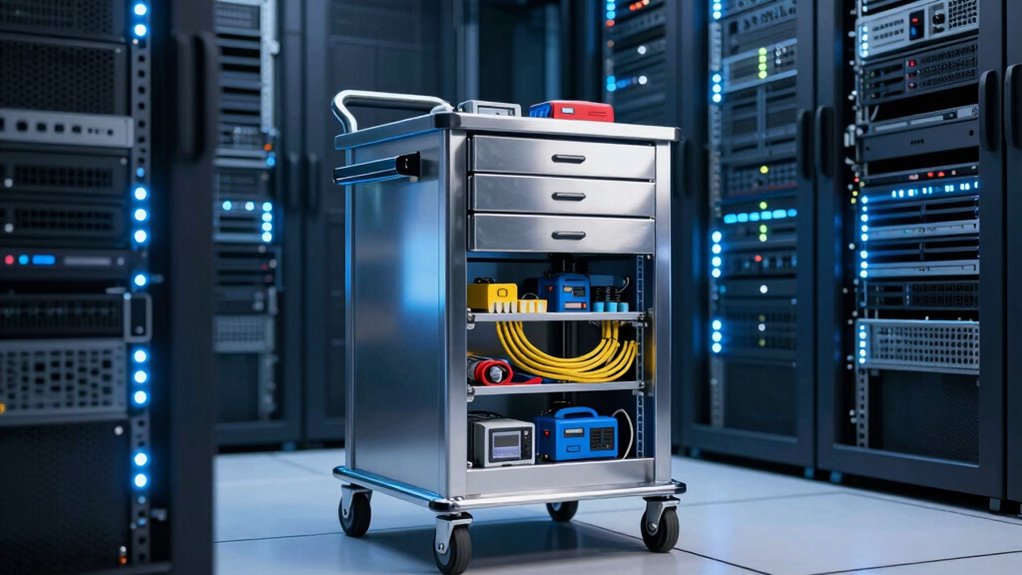
While remote management has revolutionized the way data centers operate, it can’t replace the need for physical intervention in certain situations. Not every problem can be solved remotely, especially when hardware needs replacement or troubleshooting involves diagnostics that require direct access. Crash carts bridge this gap, allowing technicians to swiftly swap out components, run hardware tests, and access servers directly. This immediacy is essential in minimizing downtime, which can be costly and damaging to your reputation. Furthermore, crash carts aren’t just about fixing issues—they’re also an important part of disaster preparedness. In emergency scenarios like power failures, natural disasters, or security breaches, having a dedicated, well-stocked cart ensures your team has everything they need at hand to respond effectively. The importance of hardware diagnostics in swiftly resolving issues underscores the ongoing relevance of crash carts. Properly maintaining an organized and well-stocked crash cart can significantly reduce the time spent searching for tools or replacement parts during critical moments. Regularly updating and auditing the contents of your crash cart ensures that all necessary tools and supplies are available when needed. Additionally, understanding hardware failure patterns can help in preemptively stocking the most commonly needed replacement parts.
As an affiliate, we earn on qualifying purchases.
Frequently Asked Questions
How Often Should Crash Carts Be Restocked and Maintained?
You should restock and maintain crash carts regularly—ideally monthly or after any significant use. Effective inventory management guarantees supplies stay current and ready. Staff training is essential so everyone knows how to properly restock, inspect, and use the cart. Regular checks help identify expired items or missing tools, minimizing downtime during emergencies. Consistent maintenance keeps the crash cart reliable, ensuring rapid response when every second counts.
What Security Measures Are Recommended for Crash Carts?
You should implement strict access control and alarm systems to secure crash carts. While they’re essential for quick emergency responses, they also pose security risks if improperly guarded. Use biometric or keycard access to restrict entry, and install alarm systems that alert staff to unauthorized attempts. Balancing immediate accessibility with tight security ensures crash carts serve their purpose without becoming a vulnerability in your datacenter’s defenses.
Can Crash Carts Be Customized for Specific Datacenter Needs?
Yes, you can customize crash carts for your specific datacenter needs. By incorporating custom configurations, you guarantee the cart fits your unique setup, maximizing efficiency. Adding specialized tools tailored to your operations helps with quick troubleshooting and repairs. Customization also allows you to organize equipment logically, reducing downtime. This tailored approach ensures your crash cart supports your workflows seamlessly, making it an essential, adaptable component of your datacenter management.
How Do Crash Carts Impact Overall Datacenter Safety Protocols?
Crash carts enhance your datacenter’s safety protocols by streamlining emergency preparedness and ensuring quick access to essential tools. With well-organized carts, your staff can respond swiftly during incidents, reducing downtime. Regular staff training on crash cart usage keeps everyone prepared for emergencies, fostering a safer environment. This proactive approach minimizes risks, improves response times, and helps maintain continuity, making crash carts a crucial component of your overall safety strategy.
Are There Portable Alternatives to Traditional Crash Carts?
Yes, there are portable solutions that serve as alternatives to traditional crash carts. These portable options enhance your emergency preparedness by allowing quick access to essential tools and equipment wherever needed. They’re lightweight, customizable, and easy to transport, making them ideal for dynamic datacenter environments. By integrating portable solutions, you guarantee swift response times during emergencies, streamlining your safety protocols and maintaining operational continuity without the bulk of traditional crash carts.
hardware diagnostic toolkit for data centers
As an affiliate, we earn on qualifying purchases.
As an affiliate, we earn on qualifying purchases.
Conclusion
You see, datacenter crash carts are like trusty pit stops in a race—crucial and always ready when trouble hits. They provide quick access to tools and power, minimizing downtime and keeping your operations moving smoothly. No matter how advanced your infrastructure gets, these carts remain an essential part of your emergency toolkit, standing by like a dependable friend. In the fast-paced world of data, crash carts are your reliable pit crew, ready to spring into action at a moment’s notice.
As an affiliate, we earn on qualifying purchases.
As an affiliate, we earn on qualifying purchases.
Fall Picks
fall essentials
As an affiliate, we earn on qualifying purchases.