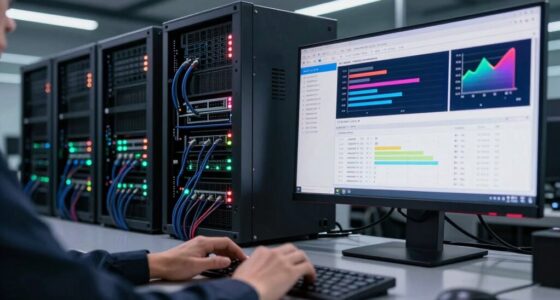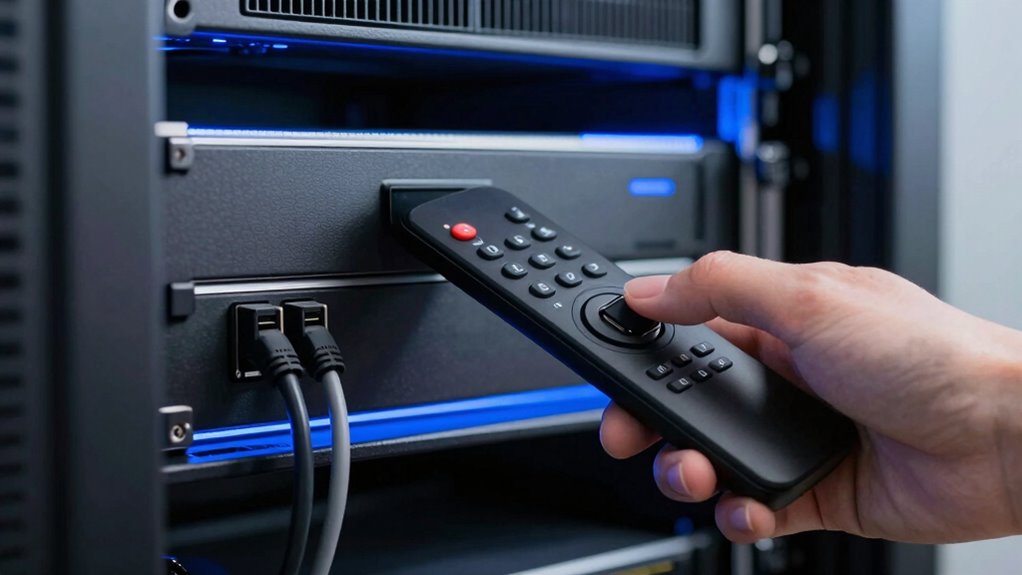

Remote power switching makes managing headless servers much easier by letting you control and restart them from anywhere. You don’t have to be physically present to troubleshoot or perform maintenance, saving you time and effort. It minimizes downtime by enabling instant power control and keeps your systems running smoothly. Plus, with secure connections, your operations stay protected. Keep exploring how these solutions can further simplify your server management and improve efficiency.

Get business pricing on networking and server gear
- Business-only prices and quantity discounts
- Tax-exempt purchasing
- Multiple users, one account, clear invoices
Key Takeaways
- Enables remote restart of headless servers without physical access, minimizing downtime.
- Saves time by allowing instant power control from any location, simplifying maintenance.
- Reduces the need for on-site intervention, increasing operational efficiency.
- Supports seamless integration with existing network infrastructure for easy management.
- Enhances security through encrypted connections and authentication, protecting remote control access.
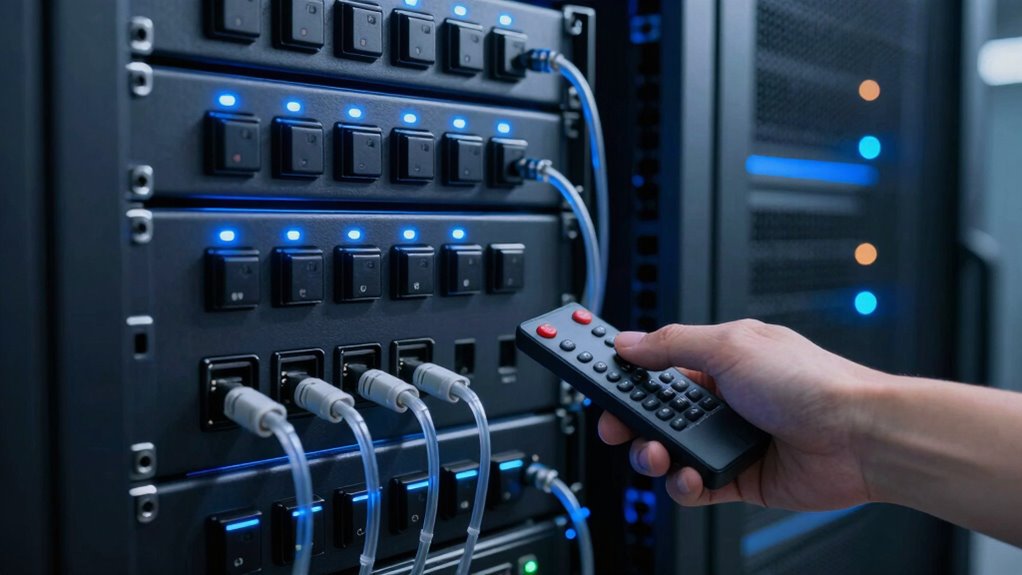
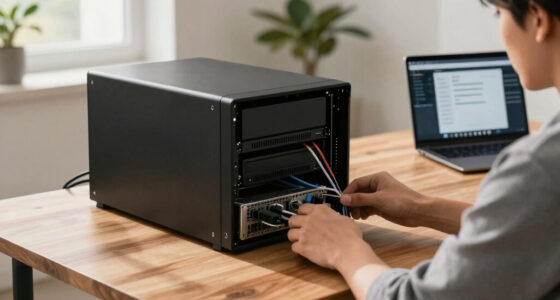
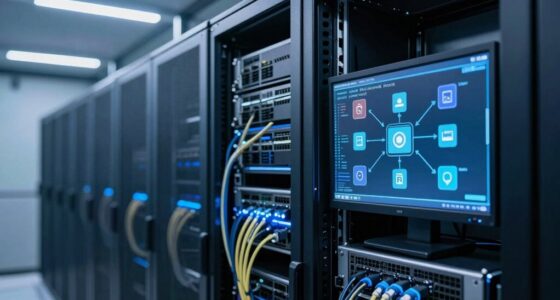
Have you ever needed to restart a headless server remotely but lacked direct physical access? It’s a common frustration in IT management, especially when dealing with servers located in data centers or remote offices. Remote power switching offers a practical solution, giving you the ability to control power states instantly without the need to be physically present. Instead, you rely on network-connected power strips or intelligent PDUs (Power Distribution Units), which integrate seamlessly into your existing infrastructure. Additionally, understanding network security considerations is crucial to protecting your systems.
Remotely restart headless servers to save time, reduce downtime, and streamline maintenance from your workstation.
When considering remote power switching, network security becomes an essential factor. You must guarantee that your remote control methods are protected against unauthorized access. Implementing secure authentication protocols and encrypted connections prevents malicious actors from hijacking your power controls. Properly configuring firewalls and regularly updating firmware on your power management devices help safeguard your network security. You want a solution that’s both accessible for legitimate management and resilient against potential cyber threats, maintaining the integrity of your server environment. Ensuring hardware compatibility is also vital to prevent integration issues that could compromise your security measures or operational efficiency. Being aware of power management protocols can further optimize your setup and ensure consistent operation. Moreover, staying informed about emerging security threats can help you adapt your defenses proactively.
As an affiliate, we earn on qualifying purchases.
Frequently Asked Questions
Can Remote Power Switching Prevent Server Hardware Damage?
Yes, remote power switching can help prevent server hardware damage by allowing you to control power during unexpected issues. It reduces the risk of power surges and abrupt shutdowns that can harm hardware longevity. By remotely managing power, you can gracefully turn servers off or restart them, minimizing stress on components and avoiding damage caused by sudden power fluctuations or improper shutdowns, consequently extending your server’s lifespan.
What Security Measures Protect Remote Power Control Systems?
Secure your remote power control systems with strict security strategies. You should deploy robust encryption protocols that defend data from digital disturbances and unauthorized access. Implement precise access control measures, allowing only authorized users to command power operations. Regularly update security software, monitor activity logs, and enforce strong passwords. These proactive protections prevent potential breaches, ensuring your remote power switching remains safe, secure, and resilient against cyber threats.
Is Remote Power Switching Compatible With All Server Brands?
Remote power switching isn’t compatible with all server brands, as server compatibility varies based on hardware and brand integration. You need to check if your server’s brand supports remote power control systems, which often depend on specific protocols or management interfaces. Before choosing a remote power switch, verify it integrates smoothly with your server brand to avoid compatibility issues, making your headless server operations more efficient.
How Does Remote Switching Impact Server Energy Efficiency?
Remote switching improves your server’s energy efficiency by enabling precise power management and facilitating energy conservation. You can turn servers off when idle or during off-peak hours, reducing unnecessary power consumption. This proactive control helps optimize energy use across your infrastructure, lowering costs and environmental impact. With remote power switching, you gain better oversight of your server energy management, making your operations more sustainable and cost-effective.
What Are the Troubleshooting Steps for Remote Power Switch Failures?
Sometimes, remote device hiccups happen. To troubleshoot power switch failures, start by checking your network connection and ensuring the device is properly powered. Verify the power management settings and reset the device if needed. Consult the device logs for errors and test the switch with a manual override. If issues persist, update firmware or contact support. These steps help maintain smooth remote device operation and reliable power management.
intelligent PDU for data centers
As an affiliate, we earn on qualifying purchases.
As an affiliate, we earn on qualifying purchases.
Conclusion
With remote power switching, managing headless servers becomes as smooth as sailing on calm waters. You gain the ability to turn your servers on or off without ever leaving your desk, making troubleshooting and maintenance a breeze. It’s like having a magic wand that puts control directly into your hands, no matter where you are. Embrace this technology, and watch your server management become as effortless as a gentle breeze guiding your journey.
As an affiliate, we earn on qualifying purchases.
secure remote power control device
As an affiliate, we earn on qualifying purchases.
As an affiliate, we earn on qualifying purchases.
Columbus Day / Indigenous Peoples' Day Picks
long weekend sales
As an affiliate, we earn on qualifying purchases.