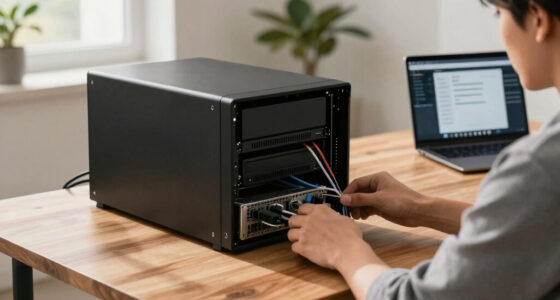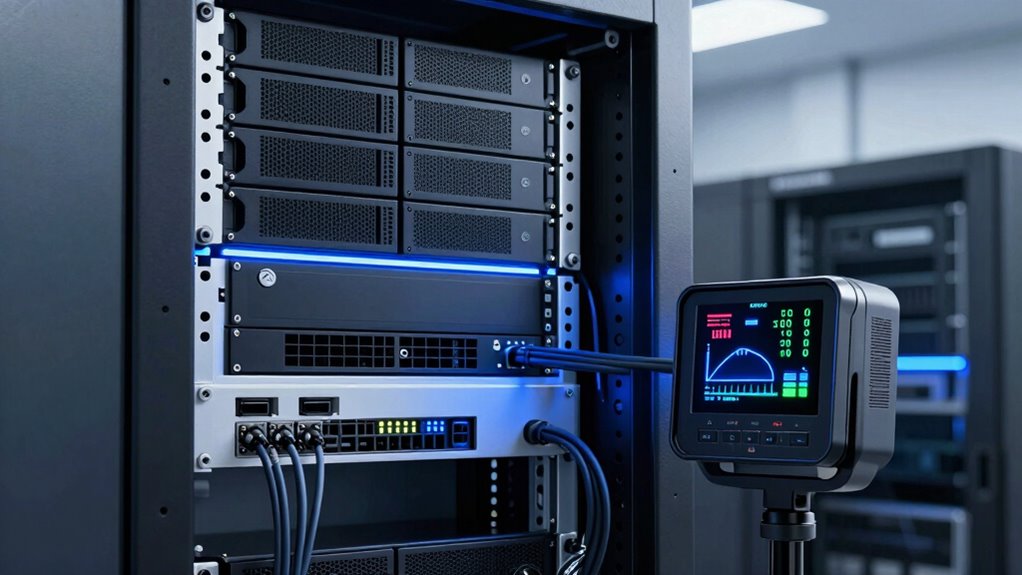

To choose the right UPS size for your growing server rack, start by verifying your current power needs and add a 20-30% margin for future expansion. Consider the total wattage or VA of your equipment and select a UPS that slightly exceeds that load to allow for growth. Focus on scalable, modular options that fit your rack space and ensure compatibility. If you keep these factors in mind, you’ll find a solution that protects your equipment today and as you grow.
Key Takeaways
- Assess current power consumption and select a UPS with capacity slightly above the current load to accommodate future growth.
- Include a 20-30% margin in capacity planning to handle added devices and expansion.
- Choose modular or scalable UPS systems for seamless capacity upgrades over time.
- Ensure the UPS’s physical size and connection interfaces fit your rack infrastructure.
- Monitor power usage trends regularly to adjust capacity and runtime needs proactively.
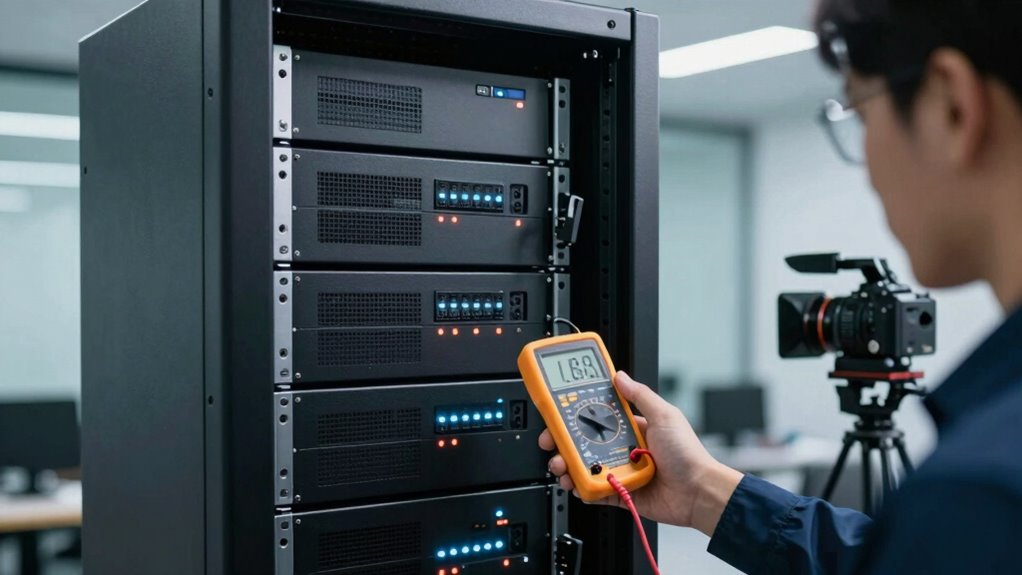
Selecting the right UPS size is vital to guarantee your equipment stays protected without overspending. As your server rack grows, so does the need for adequate backup power. A UPS with the proper power capacity ensures your servers and networking gear stay online during outages, preventing data loss and minimizing downtime. The key is understanding your current power needs and planning for future expansion, so your UPS can handle the increased load without becoming obsolete too quickly.
Your first step involves evaluating the total power consumption of your server rack. This measurement, usually expressed in volt-amperes (VA) or watts, indicates how much electrical load your equipment draws. When choosing a UPS, look for one with a power capacity slightly above your current total load to accommodate future growth. This extra margin ensures you won’t need to replace the UPS prematurely as your infrastructure expands. Keep in mind that the power capacity determines how long your battery backup can sustain critical equipment during outages, giving you enough time to save work or perform proper shutdown procedures. Additionally, considering power consumption patterns can help you better estimate the runtime needed for your specific setup. Understanding power consumption of your equipment can also guide you in selecting a UPS that offers an appropriate balance between capacity and runtime. Monitoring your power usage trends over time can further refine your choice, ensuring the UPS continues to meet your evolving needs. Being aware of power demand fluctuations can help you select a more efficient and resilient backup solution.
The growth trajectory of your server rack should guide your choice. If you anticipate adding more servers, storage devices, or networking gear in the near future, plan for a UPS that can handle at least 20-30% more than your current load. This foresight prevents frequent upgrades and ensures continuous protection. Additionally, consider the scalability options, such as modular UPS systems, which let you add capacity as needed without replacing the entire unit. Paying attention to scalability options allows your setup to evolve smoothly as your infrastructure grows.
Finally, don’t forget to check the form factor and compatibility with your existing infrastructure. A UPS that fits neatly into your rack and connects seamlessly with your equipment will make setup and maintenance easier. By carefully evaluating your current power capacity needs, future growth plans, and the battery backup runtime, you can select a UPS that provides reliable, scalable protection for your growing server rack.

CyberPower CP1500PFCRM2U PFC Sinewave UPS Battery Backup
- Power Capacity: 1500VA/1000W PFC Sinewave UPS
- Number of Outlets: Eight NEMA 5-15R outlets
- Input Plug: Right-angle, 6-foot cord
As an affiliate, we earn on qualifying purchases.
As an affiliate, we earn on qualifying purchases.
Frequently Asked Questions
How Often Should I Upgrade My UPS as My Server Rack Grows?
You should upgrade your UPS when your server rack’s power needs surpass its capacity, which might happen as your infrastructure grows. Regularly check your UPS’s battery maintenance to guarantee reliable backup, and consider warranty coverage to protect against unexpected costs. Typically, plan upgrades every 3-5 years, but stay attentive to battery performance and power demands, upgrading sooner if your current unit can’t support your expanding server requirements.
Can a UPS Handle Future Hardware Expansion?
A UPS can handle future hardware expansion if you plan for sufficient capacity and power redundancy. You should consider its battery lifespan to guarantee it remains reliable as your system grows. Regularly upgrading or replacing batteries helps maintain backup performance. By choosing a UPS with extra capacity, you ensure it can support additional hardware, providing the necessary power redundancy to keep your server rack running smoothly during expansions.
What Are the Signs My UPS Is Undersized?
Imagine your UPS as a lifeboat in a storm; if it’s undersized, it’ll strain and struggle to keep your servers afloat. Signs include frequent battery replacements, reduced runtime, or overload warnings. If your UPS can’t handle the power capacity needed during outages, it’s time to upgrade. A properly sized UPS preserves battery lifespan, ensuring reliable backup and peace of mind during power fluctuations.
How Does Energy Efficiency Impact UPS Selection?
Energy efficiency impacts your UPS selection because a more efficient unit reduces power consumption, saving you money and lowering your environmental footprint. It also minimizes heat generation, which can extend battery lifespan by decreasing stress on internal components. When choosing a UPS, look for high efficiency ratings like ENERGY STAR certification. This guarantees your server rack functions at its best, with less energy waste and longer-lasting batteries, ultimately enhancing overall system reliability.
Are There Portable UPS Options for Temporary Setups?
For temporary setups, portable options like lightweight UPS units are ideal. Imagine setting up a mobile event or temporary office; a compact, battery-powered UPS can guarantee your equipment stays powered during short-term needs. These portable options are easy to transport and quick to deploy, making them perfect for short-term use. They provide reliable backup power without the bulk, giving you flexibility for various temporary setups.

Advanced Control and Protection of Modular Uninterruptible Power Supply Systems (Power Systems)
As an affiliate, we earn on qualifying purchases.
As an affiliate, we earn on qualifying purchases.
Conclusion
As you stand before your expanding server rack, remember that choosing the right UPS size is like planting a sturdy tree—its roots must be deep enough to support future growth. With the right size, your servers stay resilient through storms, their steady hum a reassuring heartbeat. Think of this investment as nurturing a foundation that will grow stronger with each new addition, ensuring your digital landscape remains rooted, protected, and ready to flourish for years to come.

Eaton Tripp Lite SMART1500LCD 1500VA 2U Rack Mount UPS 900W Battery Backup
- Power Capacity: 1500VA/900W UPS with 8 outlets
- Rack Mount Design: 2U rackmount or vertical tower
- Input Power Cord: Six-foot NEMA 5-15P cord included
As an affiliate, we earn on qualifying purchases.
As an affiliate, we earn on qualifying purchases.

OPTI UPS 2000VA/1200W Battery Backup UPS with AVR, 6 Outlets for PC
- Extended Runtime: Up to 22 minutes at 240W
- Multiple Outlets: 6 surge-protected outlets
- Easy Setup: Front-panel controls and indicators
As an affiliate, we earn on qualifying purchases.
As an affiliate, we earn on qualifying purchases.