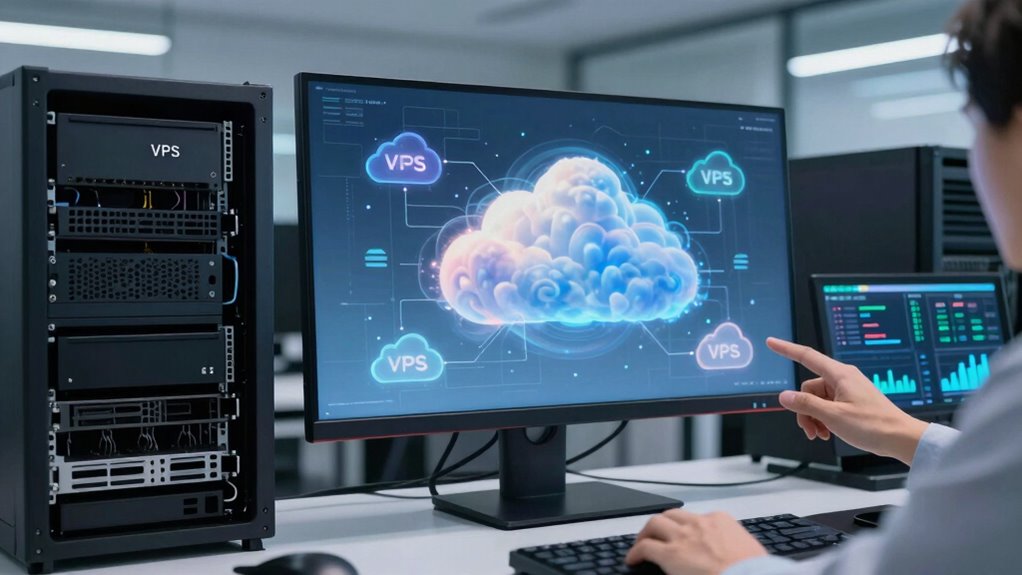

With cloud VPS, you enjoy flexible resources and automated features that make daily management easier. You can quickly scale CPU, RAM, and storage without much effort, reducing downtime during traffic spikes. It also offers automated backups and security updates, cutting down on manual tasks. Traditional VPS, however, relies on fixed resources and manual maintenance, which can slow you down. Keep exploring to see how these differences impact your day-to-day operations even more.

Get business pricing on networking and server gear
- Business-only prices and quantity discounts
- Tax-exempt purchasing
- Multiple users, one account, clear invoices
Key Takeaways
- Cloud VPS allows quick resource adjustments, minimizing disruptions during daily workload fluctuations.
- Automated backups and security updates in cloud VPS reduce manual administrative tasks.
- Cloud VPS enables seamless scaling to handle traffic spikes without affecting daily operations.
- Traditional VPS requires manual management and resource prediction, increasing operational complexity.
- Cloud VPS enhances responsiveness and efficiency, allowing focus on business growth rather than server maintenance.

When choosing a virtual private server (VPS), understanding the key differences between cloud VPS and traditional VPS can help you make an informed decision. In daily operations, these differences considerably impact how you manage and utilize your server resources. Cloud VPS offers resource scalability that adapts to your needs, meaning you can easily increase or decrease your server’s CPU, RAM, or storage without downtime. This flexibility ensures you’re only paying for what you need at any given moment, which directly ties into cost efficiency. Traditional VPS, on the other hand, typically provides a fixed amount of resources allocated at setup. If your workload spikes unexpectedly, you might experience performance issues because upgrading often requires migrating to a new server, which can be time-consuming and disruptive.
In your day-to-day tasks, cloud VPS simplifies resource management. You can quickly scale up during traffic surges, like during product launches or marketing campaigns, without the need to migrate data or reconfigure hardware. This on-demand resource allocation means less stress and fewer interruptions, helping you maintain smooth operations. Traditional VPS, however, requires you to predict your resource needs beforehand. If you underestimate, you risk sluggish performance; if you overestimate, you’re paying for unused capacity. This inflexibility can lead to inefficient use of your budget and resources over time. resource management becomes more straightforward with cloud VPS, allowing for better responsiveness to changing demands. Additionally, automated scaling features in cloud VPS help optimize resource utilization without manual intervention, further easing daily management. Moreover, the flexibility in deployment options offered by cloud VPS can streamline your overall infrastructure setup, reducing the time and effort needed for initial configuration.
Cost efficiency is another key difference that affects your daily operations. With cloud VPS, you benefit from a pay-as-you-go model, which means you’re billed based on actual usage rather than fixed allocations. This model helps you optimize costs, especially if your traffic varies or your project is seasonal. You avoid paying for idle resources, which is common with traditional VPS plans that charge a flat rate regardless of usage. This flexibility allows you to allocate your budget more effectively, investing in other areas of your business.
Additionally, cloud VPS providers often include features like automated backups, snapshots, and security updates as part of their service, reducing your administrative workload. With traditional VPS, you’re usually responsible for maintaining these aspects yourself, which can add to your daily management tasks and costs. The dynamic resource scalability and cost-efficient billing models of cloud VPS make your day-to-day operations more adaptable, economical, and less prone to interruptions. This means you can focus more on growing your business, knowing your server environment can flex with your evolving needs.
As an affiliate, we earn on qualifying purchases.
Frequently Asked Questions
Can I Upgrade My Cloud VPS Without Downtime?
Yes, you can upgrade your cloud VPS without downtime thanks to server virtualization and flexible resource allocation. Cloud providers enable you to dynamically allocate resources or scale up your server without interrupting your service. This seamless process minimizes disruptions, allowing you to improve performance or add capacity on the fly. With cloud VPS, you gain the advantage of real-time upgrades, ensuring your operations stay smooth and efficient.
How Is Security Managed Differently in Cloud VPS?
In a cloud VPS, you manage security through data encryption and access control, which are more flexible than traditional VPS. You can easily encrypt sensitive data, ensuring it’s protected during transfer and storage. Access control allows you to set permissions precisely, controlling who can access specific resources. This dynamic security management helps you respond quickly to threats, providing a more secure environment compared to traditional VPS setups.
What Are the Cost Differences Between Cloud and Traditional VPS?
You’ll find that cloud VPS tends to be more cost-efficient because it offers flexible resource allocation, so you pay only for what you use. Traditional VPS often involves fixed costs regardless of resource needs, which can be less economical. With cloud VPS, you can easily scale resources up or down based on demand, helping you optimize expenses and improve overall cost efficiency in your day-to-day operations.
Is Technical Support Different for Cloud VPS?
Imagine you’re managing a cloud VPS, and when you encounter hardware issues, your support team quickly adjusts resources without hardware compatibility concerns. Unlike traditional VPS, technical support for cloud VPS often offers a more streamlined user interface and faster resolution times because they handle infrastructure behind the scenes. This means you experience less downtime and a smoother experience, as support is tailored to cloud environments with cloud-specific tools and expertise.
How Does Scalability Impact Performance in Cloud VPS?
Scalability in a cloud VPS directly impacts performance by allowing you to adjust resource allocation based on your needs. When you scale up, you improve performance by adding more CPU, RAM, or bandwidth, enabling smoother operations and better handling of traffic spikes. Conversely, scaling down helps fine-tune resources and control costs. This flexibility ensures your cloud VPS maintains peak performance through continuous performance optimization tailored to your workload demands.
automated server backup solutions
As an affiliate, we earn on qualifying purchases.
As an affiliate, we earn on qualifying purchases.
Conclusion
In the end, embracing a Cloud VPS often feels like stepping into the future—you get scalability, flexibility, and resilience that traditional VPS can’t match. While some say it’s just hype, the truth is, cloud technology’s ability to adapt quickly proves it’s more than a trend. If you want your operations to run smoothly and grow effortlessly, switching to a Cloud VPS isn’t just smart; it might be the game-changer you’ve been waiting for.
As an affiliate, we earn on qualifying purchases.
virtual private server security updates
As an affiliate, we earn on qualifying purchases.
As an affiliate, we earn on qualifying purchases.
Halloween Picks
halloween
As an affiliate, we earn on qualifying purchases.