
KVM Over IP offers more than just remote access; it boosts security with encryption and multi-factor authentication, reducing physical access risks. It enables faster troubleshooting and hardware maintenance across multiple sites, minimizing downtime and increasing operational efficiency. You can perform BIOS updates and hardware diagnostics remotely, preventing issues before escalation. This upgrade strengthens your infrastructure’s resilience and security posture. Keep exploring how this powerful technology can transform your management capabilities and security measures.
Key Takeaways
- KVM Over IP provides remote hardware management, reducing the need for on-site presence and enabling faster issue resolution.
- It enhances security with encryption and multi-factor authentication, safeguarding critical infrastructure from cyber threats.
- Enables proactive maintenance and troubleshooting, minimizing downtime across multiple geographically dispersed data centers.
- Offers advanced security features like physical tamper resistance and encryption, beyond basic remote access.
- Supports strategic long-term improvements in operational efficiency, security posture, and infrastructure resilience.
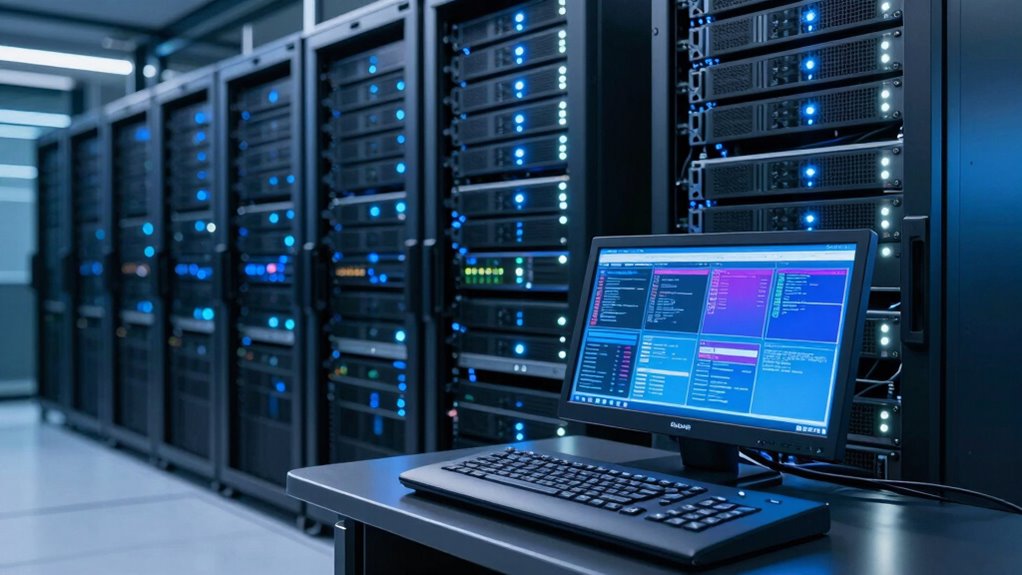
Are you looking to enhance your data center’s remote management capabilities? Upgrading to KVM Over IP might seem straightforward at first, but its true benefits go far beyond simple remote access. When you implement KVM Over IP, you’re not just adding a tool for remote keyboard, video, and mouse control; you’re considerably improving how you manage and secure your hardware infrastructure. This upgrade enables you to access servers and network equipment from anywhere, anytime, which means faster troubleshooting, reduced downtime, and increased operational efficiency. However, the real power lies in how it transforms your approach to hardware security and overall control.
Enhance remote management, improve security, and boost efficiency with KVM Over IP solutions for your data center.
With KVM Over IP, remote access becomes more than just a convenience; it becomes a core component of your security strategy. You gain the ability to monitor and manage hardware securely without physically entering the data center. This is especially critical in today’s environment, where minimizing physical access reduces potential security risks. By integrating KVM solutions with robust authentication protocols, you can ensure that only authorized personnel gain control over critical systems. This level of control helps prevent unauthorized access and potential breaches, making your entire infrastructure safer.
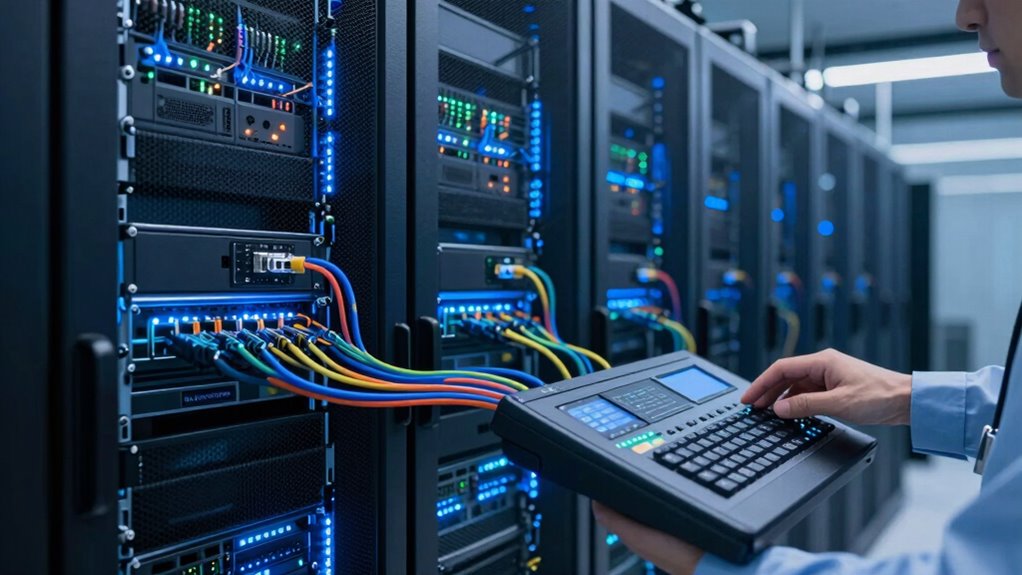
Beyond security, the upgrade enhances your ability to maintain hardware. You can perform BIOS updates, troubleshoot hardware issues, and perform maintenance tasks remotely, often before issues escalate into costly outages. This proactive approach minimizes downtime and keeps your systems running smoothly. Because KVM Over IP offers direct, low-latency connections, you can troubleshoot hardware problems more effectively than with traditional remote management tools. This is especially crucial for managing multiple data centers or remote sites, where physical access might be limited or time-consuming.
Another aspect that makes this upgrade noteworthy is the improved hardware security it provides. Traditional management methods often leave hardware vulnerable to physical tampering or unauthorized access. KVM Over IP solutions, however, include security features like encryption, multi-factor authentication, and secure remote sessions, safeguarding your infrastructure against cyber threats. This ensures that remote management isn’t just convenient but also resilient against evolving security challenges. Additionally, understanding how hardware security integrates with other security protocols can further fortify your entire infrastructure.
In essence, upgrading to KVM Over IP isn’t just about remote access; it’s about empowering your entire data center with smarter, more secure, and more efficient hardware management. It streamlines maintenance, enhances security measures, and provides you with the flexibility to respond quickly to issues. You’ll find that this upgrade is a strategic move that delivers long-term benefits—making your data center more resilient, secure, and ready for the demands of modern IT management.
KVM Over IP remote management hardware
As an affiliate, we earn on qualifying purchases.
As an affiliate, we earn on qualifying purchases.
Frequently Asked Questions
How Does KVM Over IP Improve Remote Troubleshooting Capabilities?
KVM over IP substantially improves your remote troubleshooting by offering seamless remote access to hardware, no matter where you are. You can troubleshoot and manage servers directly through the network, reducing downtime. Plus, it supports various hardware compatibility, ensuring you can connect with different systems easily. This upgrade makes resolving issues faster and more efficient, empowering you to handle problems remotely without needing physical access to the equipment.
What Are the Initial Costs Versus Long-Term Savings With KVM Over IP?
You’ll find the initial costs of KVM over IP higher due to hardware and setup expenses, but the efficiency benefits quickly offset this. Over time, you save on travel, maintenance, and downtime, making it a cost-effective choice. The cost comparison shows long-term savings through streamlined remote management, faster troubleshooting, and increased productivity, proving that the investment pays off by enhancing your overall IT infrastructure’s agility and resilience.
Is KVM Over IP Compatible With Existing Data Center Hardware?
KVM over IP is generally compatible with existing data center hardware, but you should check the compatibility of your current servers and switches with the new KVM units. During upgrade considerations, verify that the KVM over IP supports your hardware interfaces and management protocols. Most modern KVM solutions are designed for easy integration, but a thorough compatibility check guarantees seamless operation and avoids costly replacements or upgrades down the line.
How Secure Is KVM Over IP Access From Remote Locations?
KVM over IP is quite secure for remote access if you implement proper measures. You benefit from remote encryption, which protects your data during transmission, and access authentication, ensuring only authorized users can connect. Regularly update firmware and use strong, unique passwords. When combined, these security features help safeguard your systems from unauthorized access, making remote management both convenient and secure.
Can KVM Over IP Integrate With Current Network Management Systems?
Yes, KVM over IP can integrate with your current network management systems, provided you check hardware compatibility first. Most modern KVM over IP solutions support standard protocols like SNMP or IPMI, allowing seamless network integration. This compatibility enables you to monitor, control, and troubleshoot servers remotely within your existing infrastructure, streamlining management tasks without needing additional hardware or complex configurations.
secure KVM switch with encryption
As an affiliate, we earn on qualifying purchases.
As an affiliate, we earn on qualifying purchases.
Conclusion
Upgrading to KVM Over IP isn’t just about remote access; it transforms your entire management approach. Did you know that businesses with remote KVM solutions report a 30% increase in troubleshooting efficiency? That’s a game-changer. This upgrade lets you resolve issues faster, reduce downtime, and improve overall productivity. So, when you consider the significant impact on operational agility, it’s clear that investing in KVM Over IP is a smart move for any modern IT environment.
KVM Over IP with multi-factor authentication
As an affiliate, we earn on qualifying purchases.
As an affiliate, we earn on qualifying purchases.
hardware diagnostics KVM Over IP
As an affiliate, we earn on qualifying purchases.
As an affiliate, we earn on qualifying purchases.